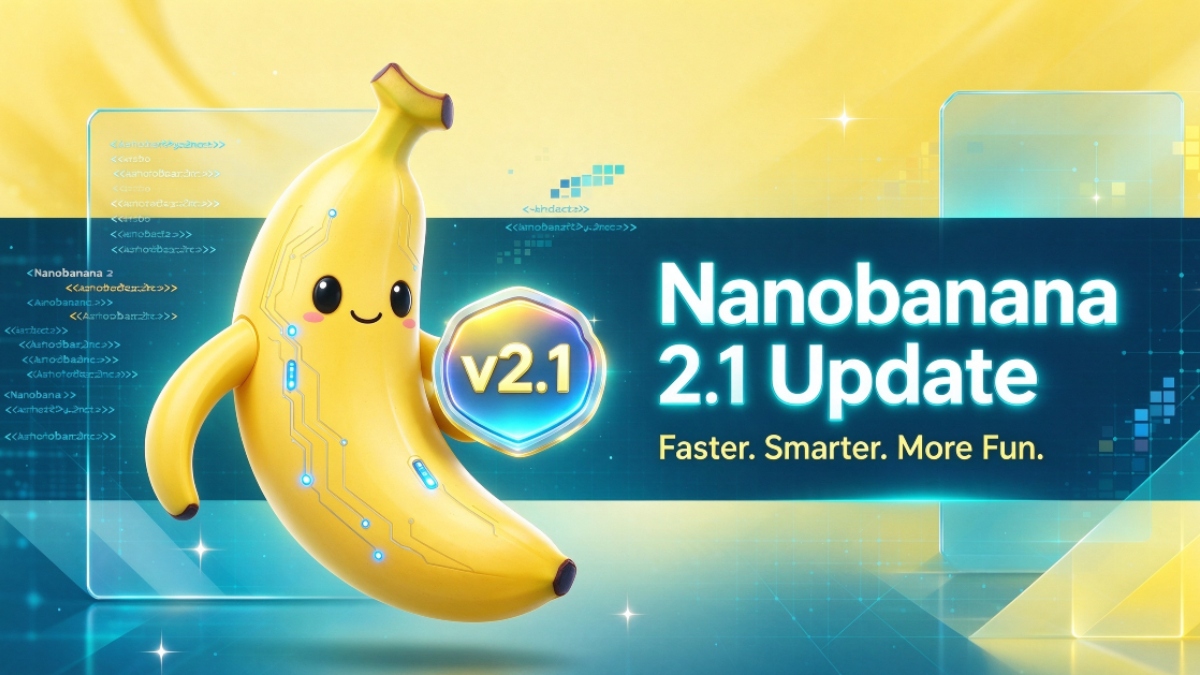
Gemini Nano Banana 2.1 Update - New Image Model, Pricing, and October 29 Deadline

2026-10-10
Gemini Nano Banana 2.1 brings cheaper, faster image generation with better mask editing. Here's what changed and why the October 29 deadline matters.

Google Gemini is a productivity and creativity app that supports live conversations and multimodal creation.
Google shipped Nano Banana 2.1 on October 6, and the update is a rare case where the price drops and the quality climbs at the same time. The model ID is gemini-nano-banana-2.1, and it's now the stable image model in the Gemini API.
For anyone generating images at volume, the number that jumps out is the cost: 1K images now run $0.034 each, roughly a quarter of what the older Pro-tier model charged. Cheaper and better is not the usual pairing, so it's worth understanding what changed and what didn't.
The most important practical note is a deadline. Google is retiring the previous gemini-3.1-flash-image model on October 29. If you've built anything on it, your migration window is closing.
Gemini Nano Banana 2.1 Release and Model Details
Nano Banana 2.1 is built on Gemini 3.6 Flash, which keeps it in the fast, efficient tier of Google's image lineup. It handles text, image, audio, and video input, and outputs images at 1K, 2K, or 4K resolutions.
The model is already live across Google's products: the Gemini app, AI Mode in Search, Google AI Studio, Google Flow, Google Ads, Stitch, and the Gemini Enterprise platform. That's a wide simultaneous rollout rather than a staged test, which tells you Google considers it ready.
For developers, the model ID is simply gemini-nano-banana-2.1. Swapping it in is a one-line change for most integrations. The model supports text, image, audio, and video input and outputs at 1K, 2K, or 4K. Google also fixed tiling artifacts on extreme aspect ratios like 1:4 and 8:1, which is a small detail that matters a lot if you produce wide banners or tall social posts. So why migrate at all if your current model still works? Because the old one disappears on October 29, and a pipeline that breaks on a Friday afternoon is a pipeline you'll wish you'd moved earlier.
Google also released a model card detailing the specs, and the benchmarks back up the marketing. The improvements aren't just cherry-picked demo shots.
Nano Banana 2.1 Update: Visual Design and Mask Editing
Three capabilities got the bulk of the attention, and they map to three different kinds of users.
Visual design improvements target people producing finished images. Compositions come out more complete, with better framing and a more polished finish. If you've been fighting a model to get a usable hero image, this is the change you'll feel first.
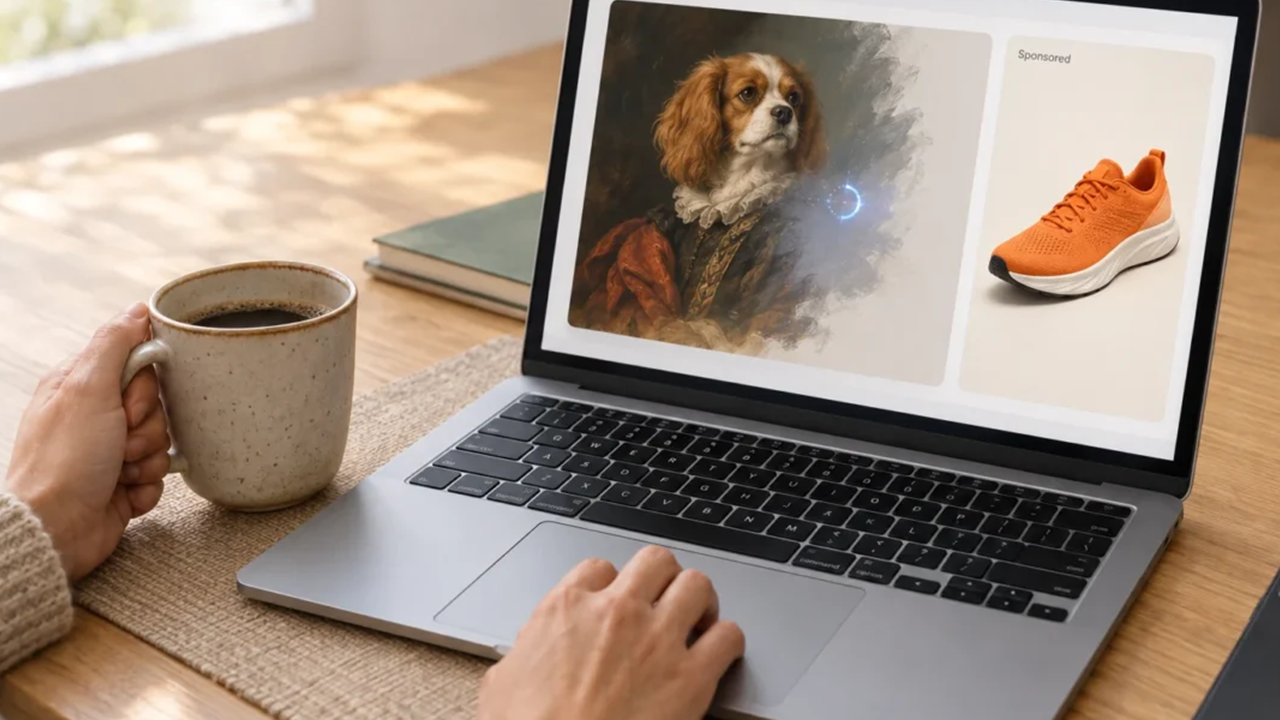
Mask-based editing is the second. You can now select a specific region of an existing image and modify only that area, without regenerating the whole picture. This is how traditional image editors work, and adding it to a generative model removes a major annoyance. Repainting a background or swapping an object no longer risks the parts you liked.
The third is subject consistency. Across edits and batch generations, the model holds a subject's appearance more reliably. Characters and products stay recognizable instead of drifting into near-lookalikes.
Nano Banana 2.1 Subject Consistency and Reference Images
Consistency is the feature that quietly unlocks new workflows.
The new model supports up to 14 reference images fused into one generation, and it can hold up to four characters and roughly ten objects consistent across outputs. That stability is the difference between a rough idea and something usable, and for anyone producing a recurring series or a product campaign it's the feature that decides whether the workflow holds together over dozens of images instead of falling apart after the third one.
It also tightens prompt following. The model sticks closer to what you actually asked for, which reduces the cycle of generate, inspect, and regenerate. Over a large batch, that saved iteration is where the real time goes. When you're producing dozens of variations for a campaign, the difference between three rounds and one is the difference between an afternoon and an hour.
Google leans on its knowledge base here too. The model can pull in real-world information, and it's wired to Google Search and Image Search for grounding. For images that need factual accuracy, like a recognizable product or a specific landmark, that grounding helps.
Nano Banana 2.1 Pricing and What Changed
The pricing shift is the headline for cost-conscious teams.
The 1K image rate lands at $0.034, about a quarter of the earlier Pro-tier price of roughly $0.134 per image. For a team generating hundreds of images a month, that's a structural change to the budget, not a rounding error.
Speed is the other half. Nano Banana 2.1 runs on the Flash tier, so generation is fast, and Google describes it as significantly quicker than the model it replaces. When you're iterating on a design, fast and cheap compounds.
One honest caveat, because it's easy to miss. In some benchmarks, Nano Banana 2.1 outpaces the Pro model, but the Pro tier is still built on newer architecture and often produces visibly better images in practice. The cost difference reflects a real quality gap. If you need maximum fidelity, Pro remains the choice. For everything else, 2.1 is the value pick.
There's a second caveat about text rendering. Google improved how the model handles words inside images, and infographics come out cleaner than before, but the company itself admits that small type, long paragraphs, and complex layouts can still come out garbled. If your workflow depends on accurate embedded text, proofread every output. The gains are real, but they're not a solved problem.
Nano Banana 2.1 Mobile Impact and the October 29 Deadline
Two things matter for Android users and app developers.
First, the Gemini app delivers this model to phones directly. You don't need a separate tool to benefit from the improvements. If you use the Gemini app for image generation, you already have access to the better model at a lower cost.
Worth noting for anyone generating images on a phone: keep an eye on what the app shares and stores. Generated images can end up tied to your account, and if the app syncs to the cloud, those files may persist. Check the privacy settings if that matters to you. On the plus side, the app runs through Google's standard account protections, so the security posture is the one you already trust for the rest of your Google services, rather than a separate login you don't know.
Second, the deprecation date. Google is shutting down gemini-3.1-flash-image on October 29. Developers running that model in production need to migrate to gemini-nano-banana-2.1 before then. The change is mostly a model ID swap, but leaving it to the last day is a recipe for a broken pipeline.
Google Gemini is a productivity and creativity app that supports live conversations and multimodal creation.
- Clash Royale Shocktober Guide : Hero Electro Wizard and Everything New
- How to Download WePlay - Party Game & Chat APK Latest Version 6.12.0 for Android 2026
- How to Download Slap Kings APK Latest Version 2.0.2 for Android 2026
Nano Banana 2.1 is a strong update: a quarter of the old price, faster generation, and real gains in mask editing and subject consistency. The upgrade path from the outgoing model is simple, and the rollout is broad enough that most users will encounter it automatically.
The action items are clear. Developers should migrate off gemini-3.1-flash-image before October 29. Creators should try the mask editing and reference-image features, since those change what's practical to produce. Everyone else can update the Gemini app and start generating.
To get the latest Gemini app on your phone, install or update it from a trusted listing. Keeping the app current is also a security habit, because updates carry the fixes that protect your account and your data.
 NEWS
NEWS REVIEWS
 HOWTO
HOWTO