UKG Pro helps employees and managers handle everyday work tasks in one place, especially when schedules are busy and teams are mobile. It focuses on quick access to personal information, time tracking, leave requests, and team updates so users can act without waiting to get back to a desk. As a result, routine actions become clearer and faster, and important items stay visible through mobile notifications. If you plan to download UKG Pro, check that your employer has enabled mobile access for your account.
HR self service
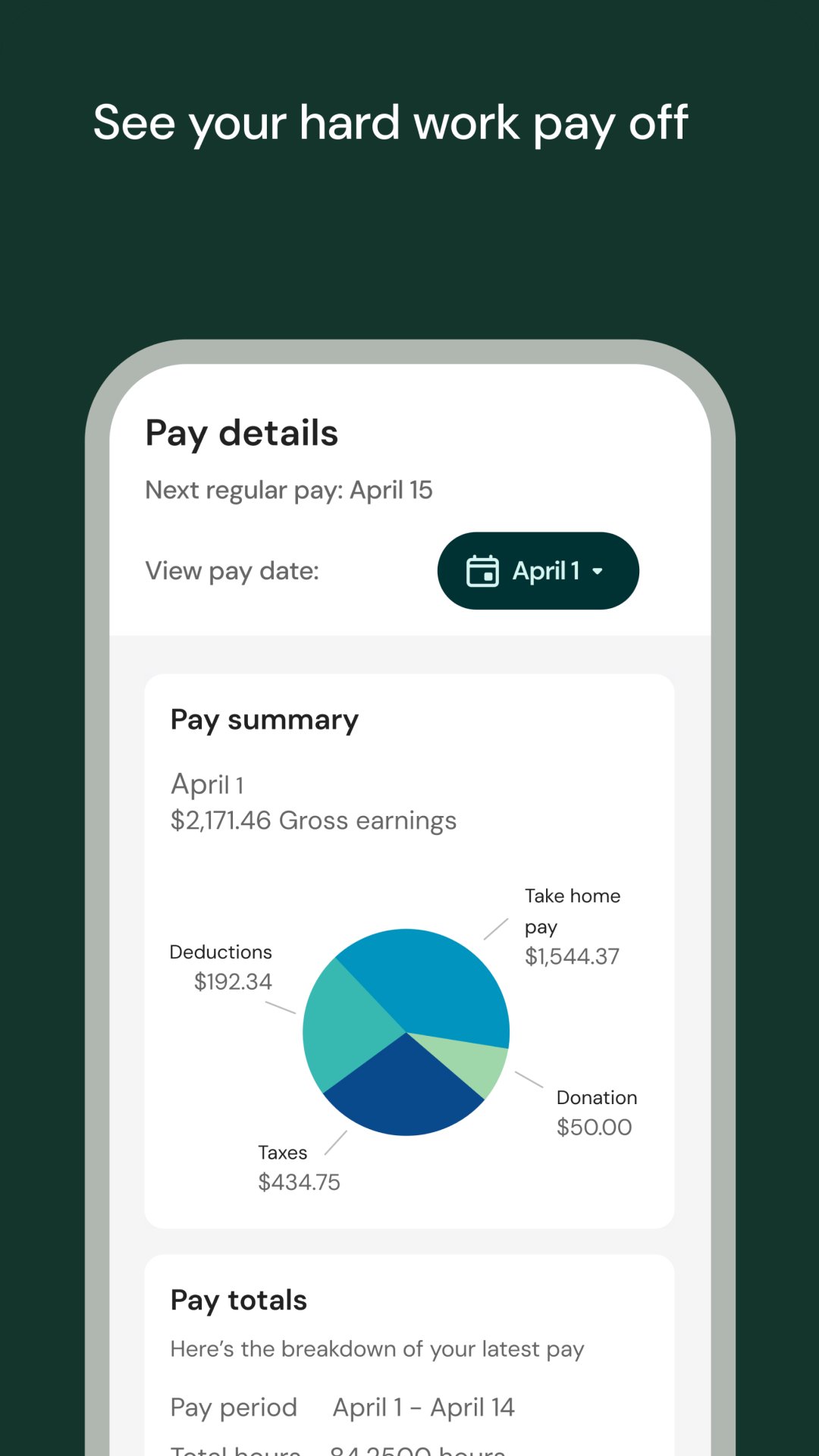
UKG Pro lets you view and update personal details and pay information from your phone. You can also explore your organization chart to understand reporting lines. A simple what if take home pay calculator helps you preview changes before you submit updates.
Time and attendance
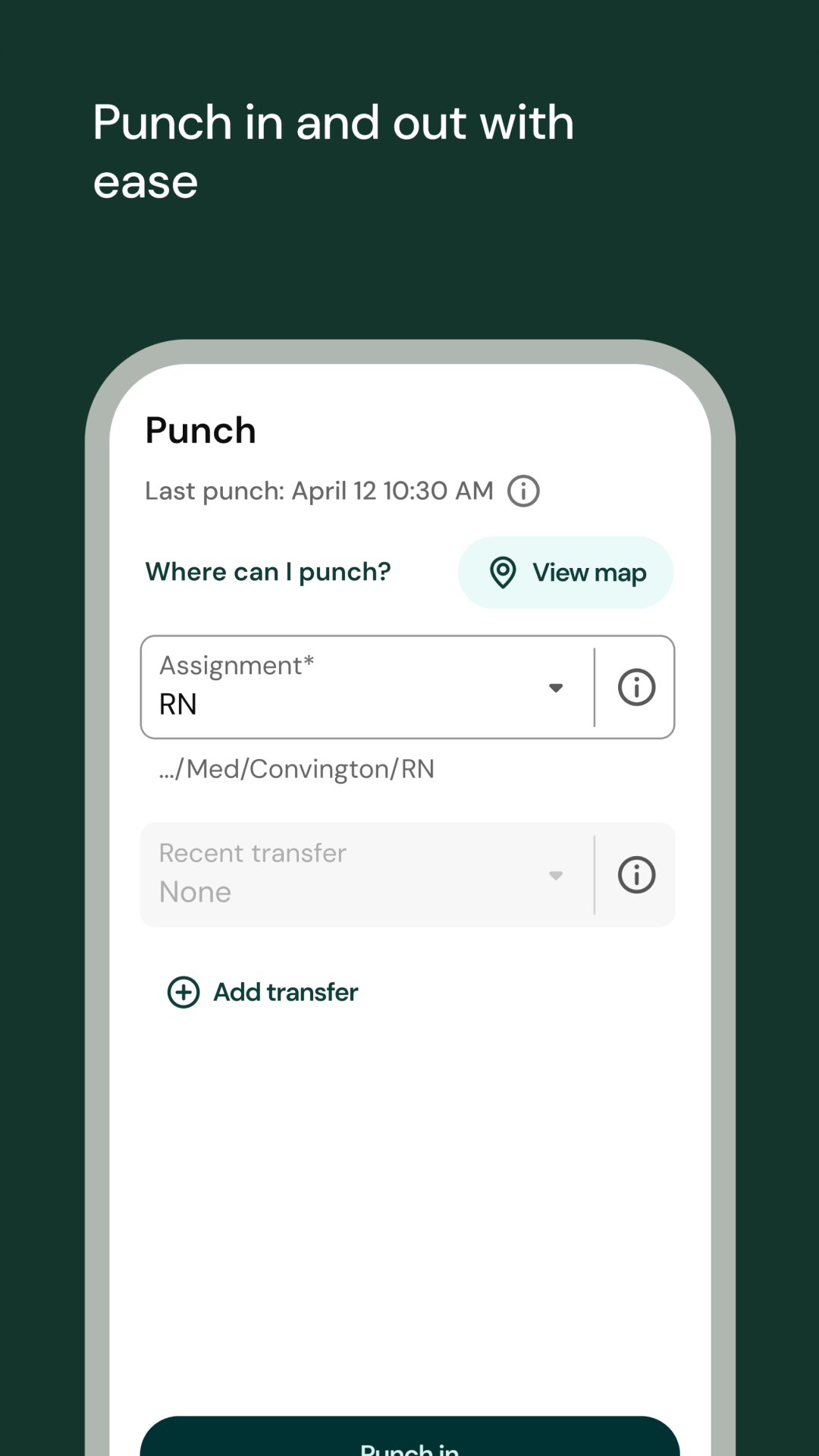
You can clock in or out, track hours, and review your timecard without using a desktop. Approvals can be done on the move, which helps you stay current when shifts or schedules change. The app keeps your most used time actions close to the home screen.
Time off management
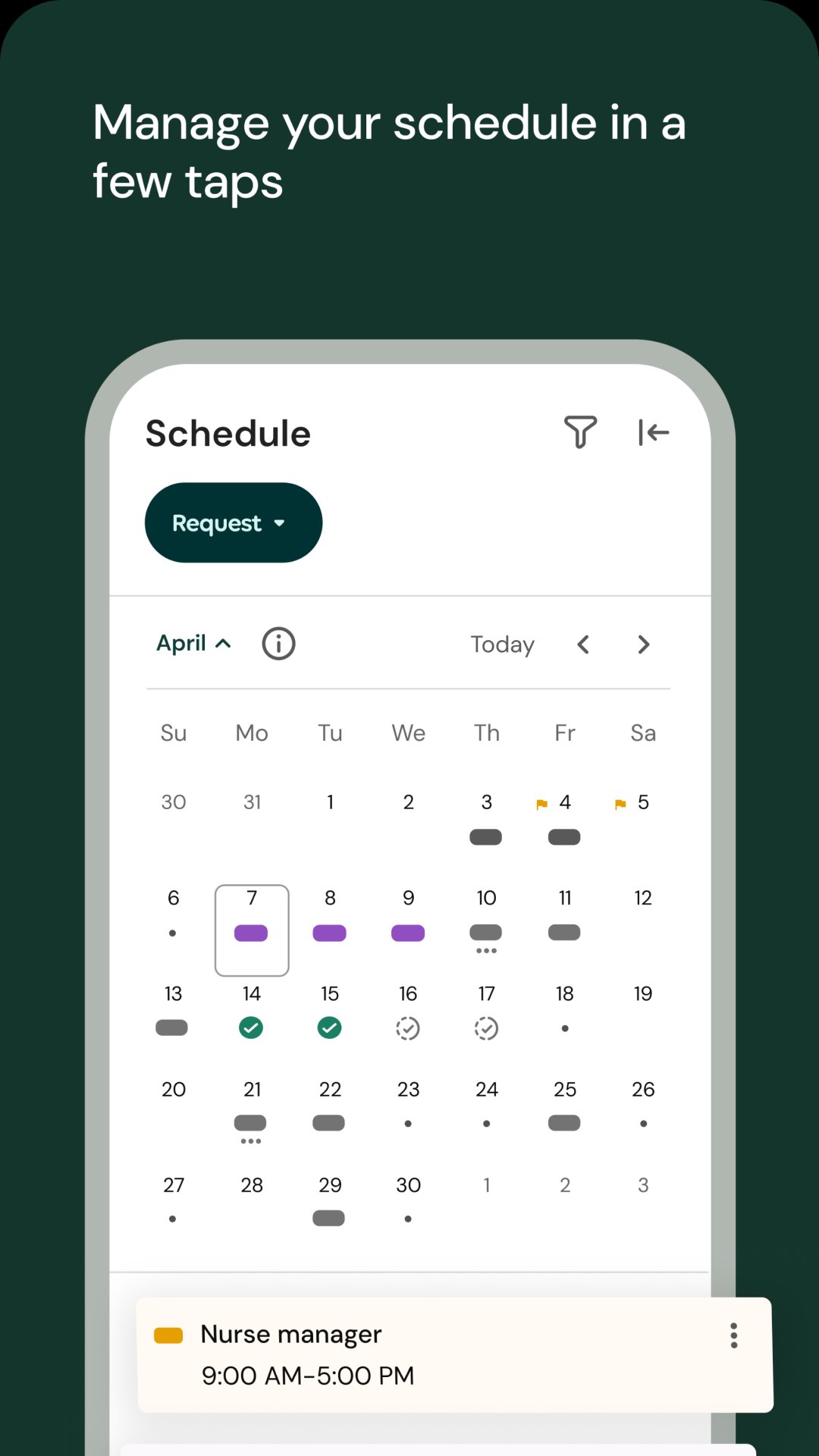
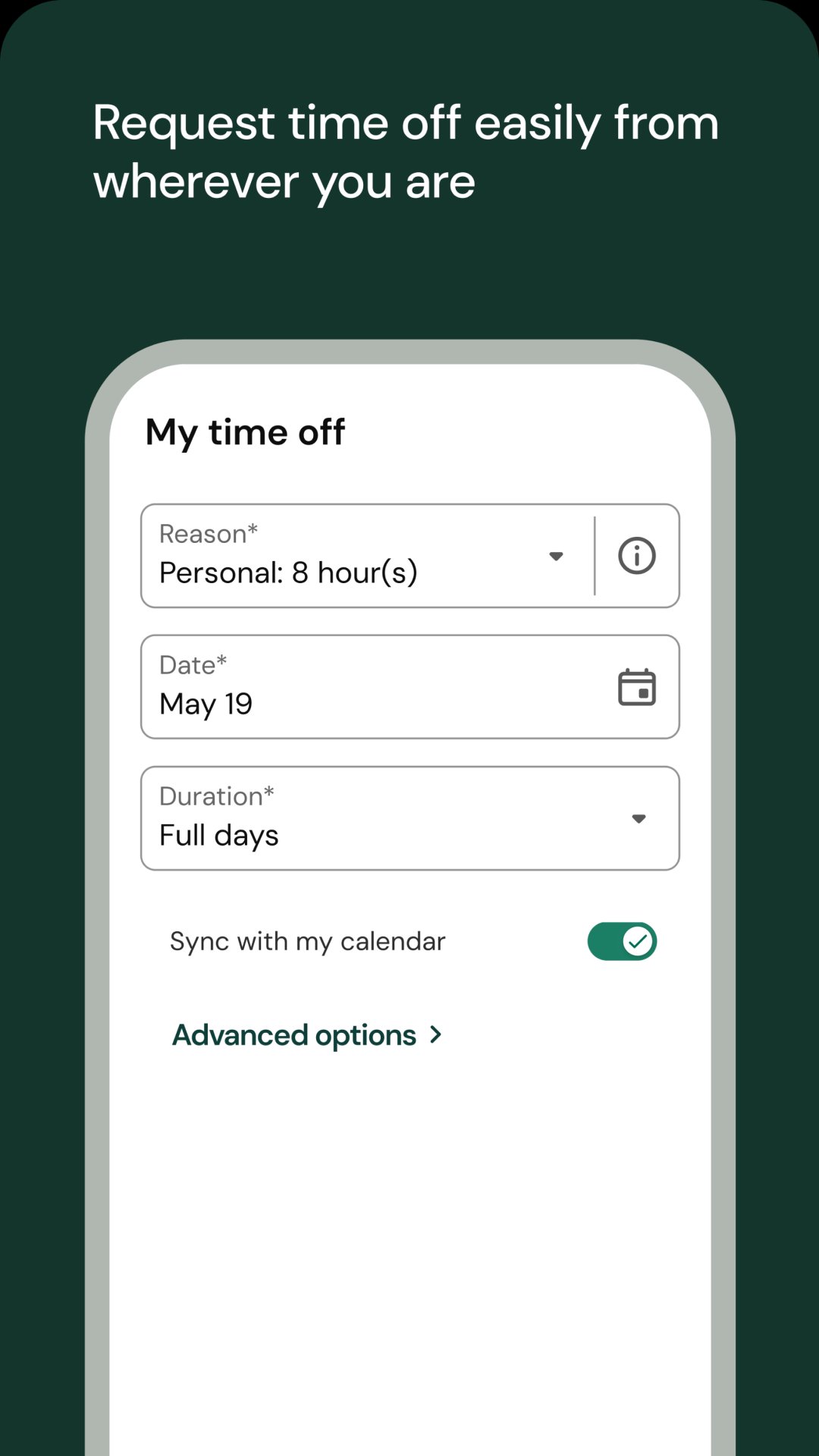
Request leave, check balances, and manage upcoming time away in a few taps. Managers receive mobile notifications and can approve requests in real time. This keeps plans visible for both sides and reduces back and forth messages.
Team communication and engagement
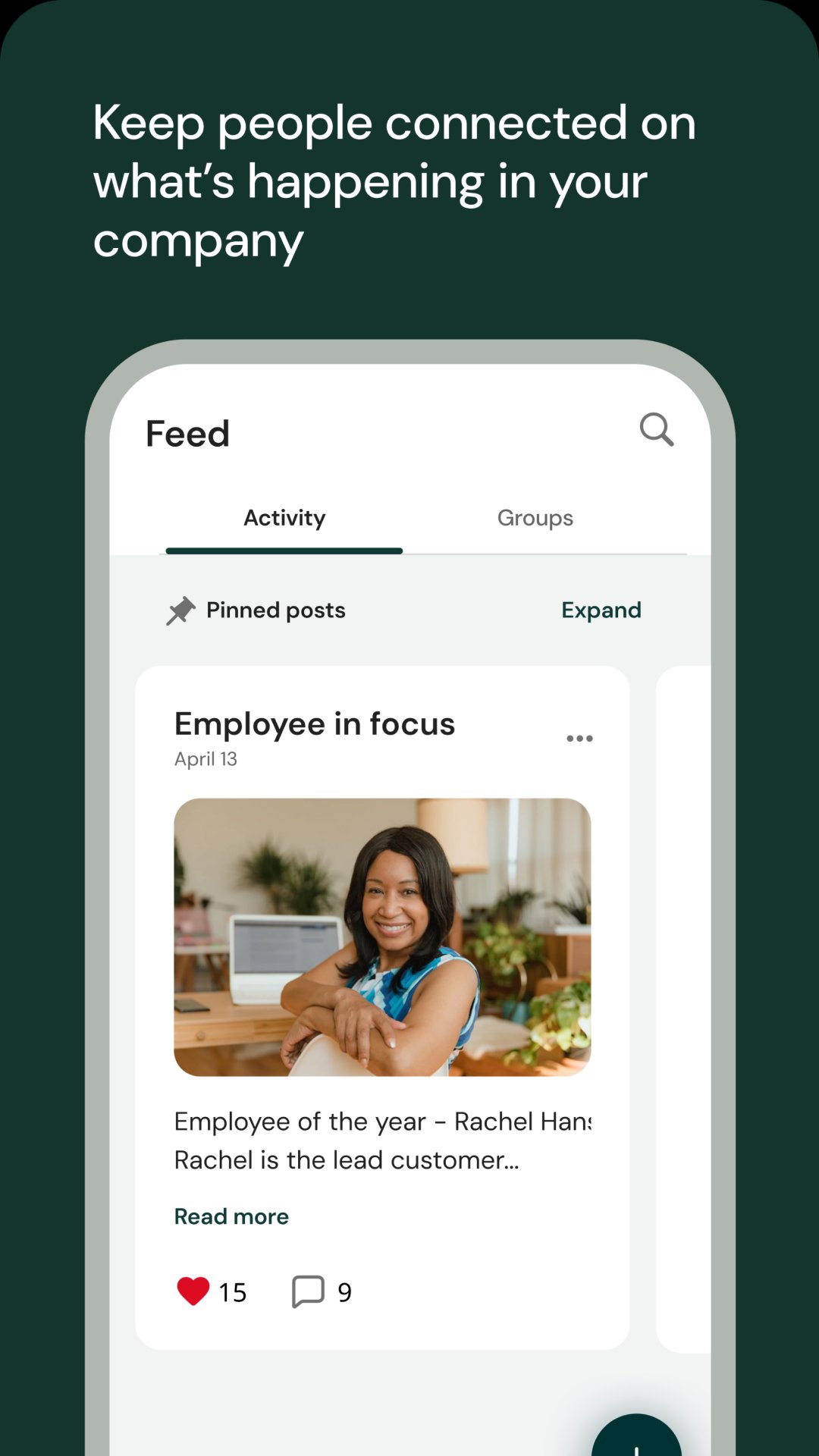
Chat with teammates, groups, and employee resource communities to share updates or ask quick questions. You can complete short pulse surveys to provide feedback and recognize accomplishments. These tools help conversations continue even when teams are not in the same place.
Manager tools and insights
UKG Pro surfaces push notifications so managers can act on approvals, exceptions, and urgent items right away. You can review reports and dashboards on your phone to support decisions during the day. This keeps key information available when timing matters, such as before a shift or meeting.
Access to the app is enabled by your employer. Your organization must grant mobile access, and available features depend on your role and your administrator’s settings. For login, use the same UKG Pro username and password you use at work, or an access code if your employer provided one. If you are unsure of your credentials or do not see expected options after signing in, contact your HR or system administrator for help.
UKG offers multiple mobile apps for different products. UKG Pro is focused on HR self service, time, leave, communication, and manager actions in one app. It is different from UKG Ready and UKG Pro Learning, which serve other UKG solutions. If your company uses UKG Pro, this is the correct app. If you are looking for a different UKG product, confirm the exact product name with your employer before installing the UKG Pro APK.
Getting started only takes a few minutes, and most actions mirror the tools you use at work. To avoid login issues, confirm your access details with your employer before you begin the download UKG Pro process.
First, open the app and enter your company specific details if prompted, such as a company code or access code provided by your employer.
Next, sign in with your UKG Pro username and password, then follow any prompts to set up a PIN or biometric sign in if offered.
Then, review the home screen tiles and notifications. Tap Time to clock in or out, view your timecard, or submit corrections if your administrator allows them.
After that, go to Time Off to request leave, choose dates, add a note if needed, and submit. Watch for a mobile notification confirming approval or follow up with your manager if required.
Finally, open Pay or Profile to view pay details and update personal information. Managers can tap Approvals or Alerts to handle requests, exceptions, and reports during the day.
This app brings everyday HR tasks, time tracking, leave requests, team chat, and manager approvals into one mobile hub. Before installing the UKG Pro latest version, verify that your employer has granted mobile access and shared your login details.
For official resources or support, use the contacts below.
Official website: https://www.ukg.com/
Support email: KronosMobileDevelopment@Kronos.com
Developer email: appdevelopers@ukg.com
Latest Version
5.08.03.0912Uploaded by
Ganesh Gund
Requires Android
Android 8.0+
Category
Free Business AppContent Rating
Everyone
Report
Flag as inappropriateLast updated on Oct 12, 2026
This release contains fixes and improvements to enhance your experience.
We encourage you to turn on auto update to get the latest features and fixes.



APKPure - A multi-platform app store primarily focused on Android, providing extensive app-related content. Discover the app you want easier, faster, and safer, with quick and efficient downloads and installations.