

Package Name:com.leaf.and.aleaf
SHA-256:dedf4a3a97129af04fe35dad2a4330188e06ad3ee1ce941122c0f497a39a6908
Show More

Leaf VPN helps when you want a straightforward way to browse through a stable VPN on your phone. It keeps setup minimal and focuses on getting you online without extra steps, which is useful on public WiFi, during travel, or at home. The service creates a secure tunnel to its servers and centers on reliability and ease of use. For users comparing options, installing the Leaf VPN APK provides a simple path to start on Android.
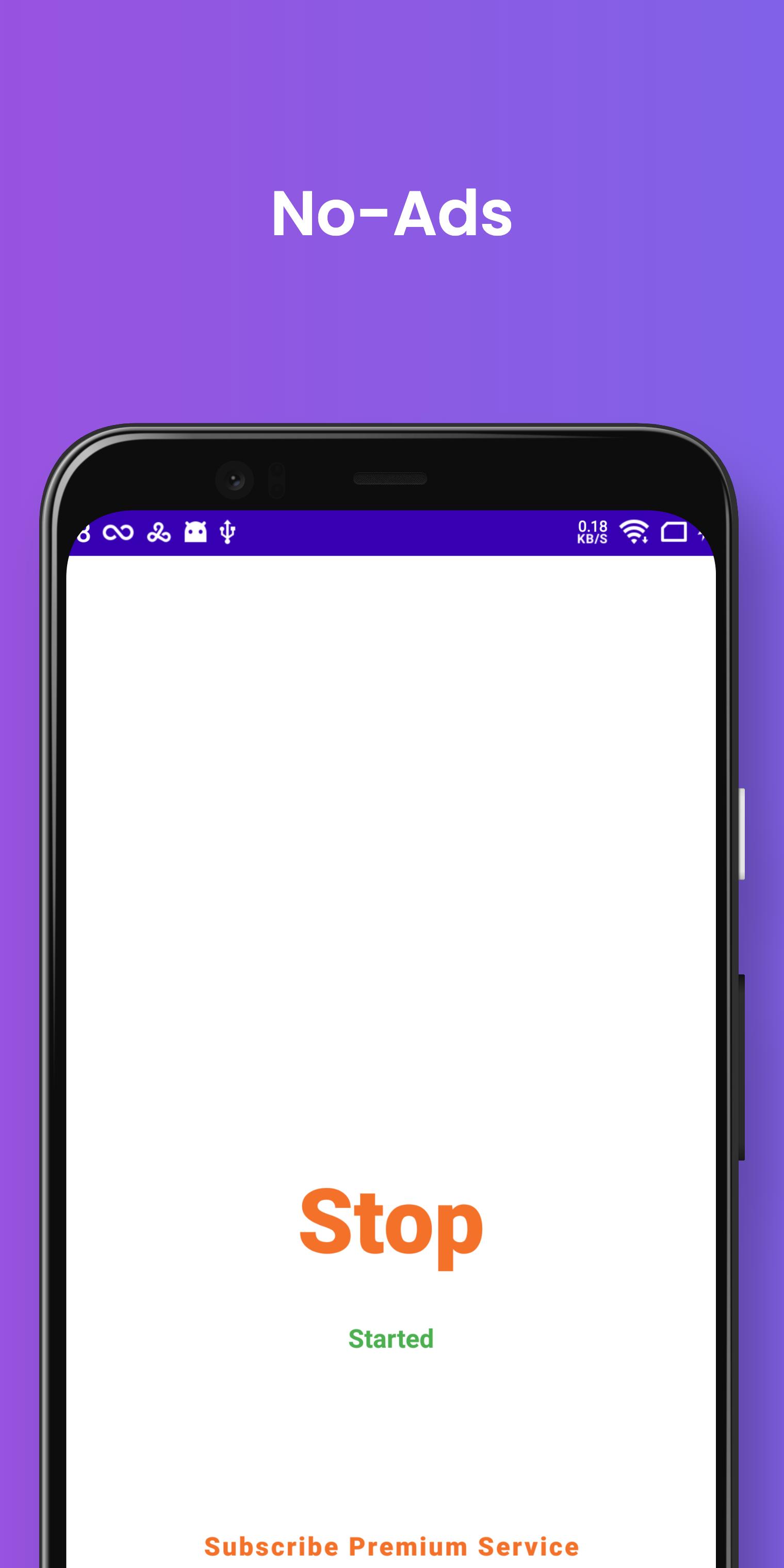
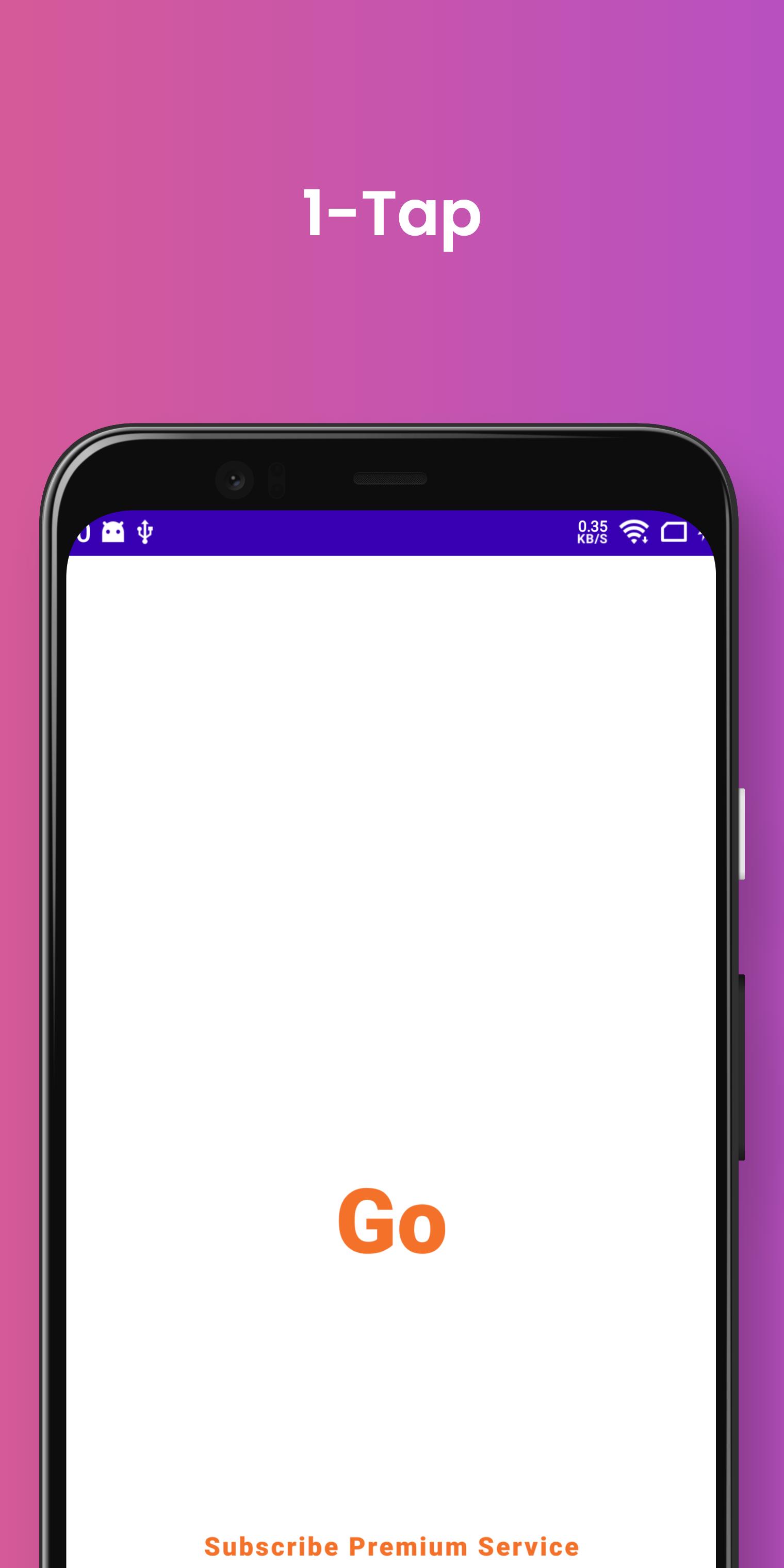
Leaf VPN starts a VPN session with a single tap, so you can connect without navigating complex settings. The free service is unlimited, letting you use the VPN whenever you need it. This design makes Leaf VPN for Android practical for quick, everyday connections.
Built on Android VpnServiceLeaf VPN uses Android’s VpnService to establish a secure tunnel to Leaf VPN servers. You will see a system prompt the first time and need to grant VPN permission before connecting. This approach avoids manual network changes and keeps the connection process consistent across devices.
Lightweight and reliableThe app focuses on a clean interface and a stable connection rather than extra bloat. Leaf VPN aims to keep resource use low, which helps the app run smoothly in the background. This simplicity reduces friction when starting or stopping a session.
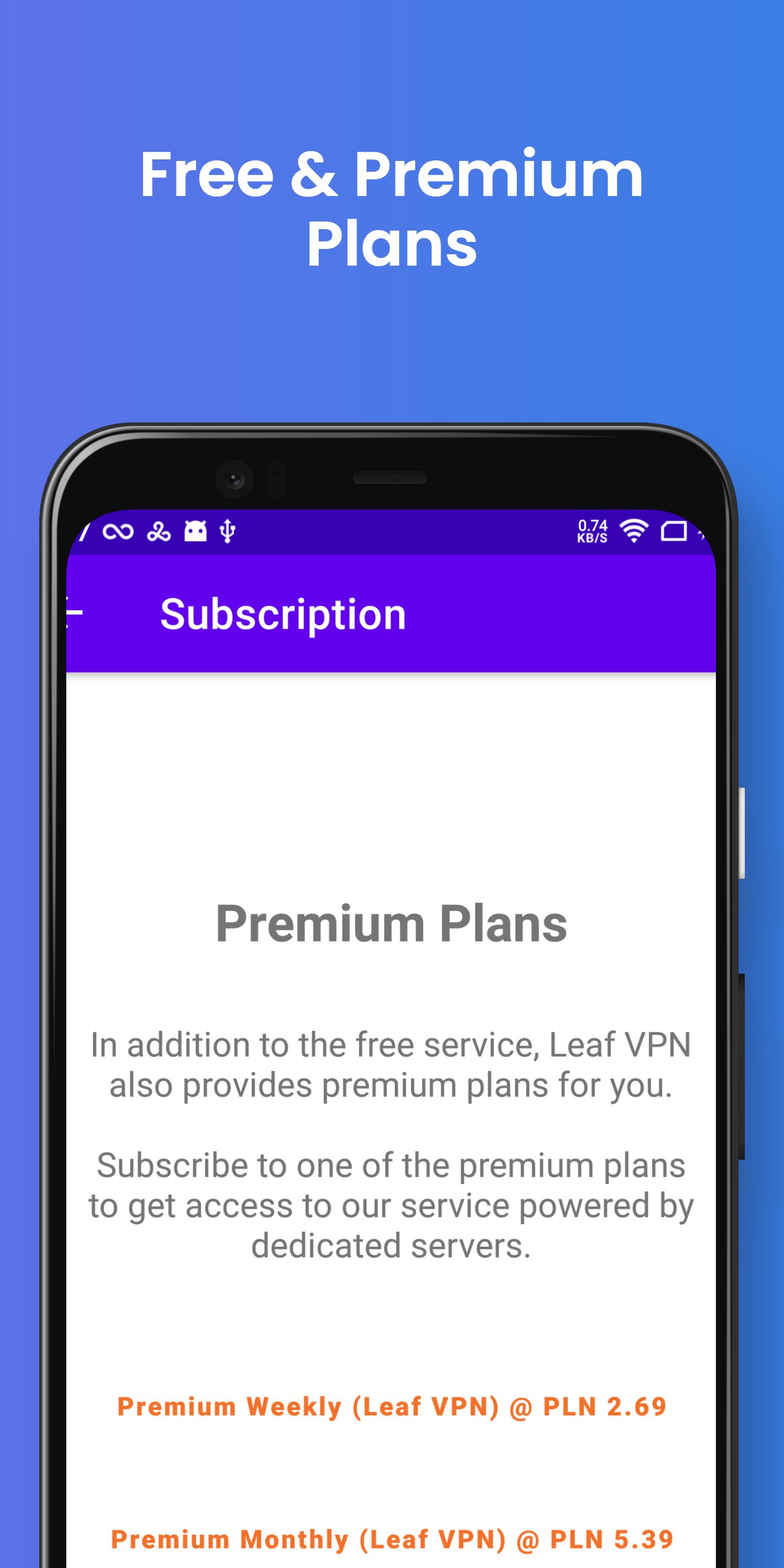
Optional premium plans and free trialIf you want extra service, Leaf VPN offers low price premium plans at $0.49 per week or $0.99 per month. A three day free trial lets you test the premium option before you pay. Subscriptions can be managed and canceled within Google Play on Android.
Use Leaf VPN across devicesLeaf VPN also supports Windows, macOS, and iOS for users who need coverage on laptops or tablets. Official desktop and iOS downloads are available through the website, which keeps setup consistent across platforms. This helps you stay connected with the same account and familiar interface.
Leaf VPN relies on Android’s VpnService to route traffic through its VPN tunnel. Because of this, the app requests VPN permission the first time you try to connect. This is a standard Android requirement for VPN apps and is needed to activate the tunnel. You can review the system prompt and choose Allow to proceed.
Premium plans cost $0.49 per week or $0.99 per month, and a three day free trial is included for new users. The trial begins when you opt in to premium inside the app. To avoid charges, remember to cancel before the trial ends if you do not plan to continue. On Android, subscriptions are managed through Google Play, where you can view, change, or cancel your plan.
Desktop and iOS versions are offered from the official website, which is useful if you want the Leaf VPN latest version on those platforms. You can find installers and platform specific notes in one place for easier setup. For advanced users, source code access and bug reporting are available on GitHub for the desktop builds.
This short guide outlines the steps to start a connection on your phone. If you plan to download Leaf VPN, follow the process below to get online with a VPN in a few taps.
Leaf VPN keeps connection setup simple with one tap and offers an optional low price premium plan with a short trial. To begin, download Leaf VPN and follow the in app prompts to connect on your Android device.
For desktop installers and platform support, visit the official website below.
Latest Version
1.39Uploaded by
Yan Ditend
Requires Android
Category
Free Tools AppContent Rating
Everyone
Security Report
Check Now
Report
Flag as inappropriateLast updated on Mar 25, 2026
Improved UI
Fixed bugs



APKPure - A multi-platform app store primarily focused on Android, providing extensive app-related content. Discover the app you want easier, faster, and safer, with quick and efficient downloads and installations.