Package Name:uk.co.ee.myee
SHA-256:c04dffefa9e9e7318537782162add29c03498831b19b77f4ff376dc68542d8a6
Show More


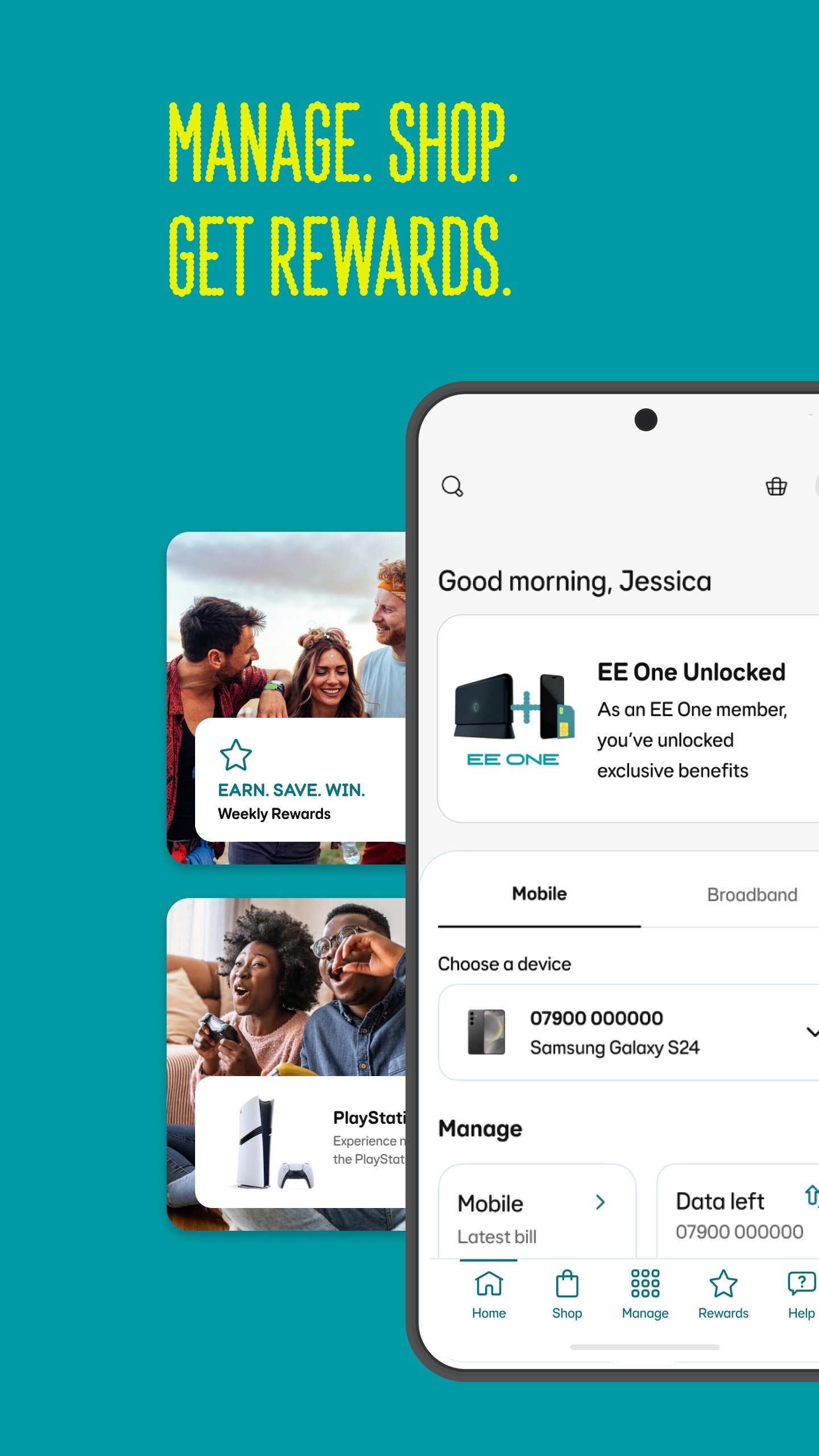
EE helps mobile, broadband, and tech customers handle everyday account tasks from an Android phone. When you need to check a bill, look at usage, manage a pack, or find support, the app keeps these account areas together in a single place. As a result, download EE is most useful for Pay Monthly, Pay As You Go, and EE Broadband users who want faster access to service information without switching between several pages.
Manage bills and account usage
EE lets you view your account details, bills, and itemised usage in one place. You can check how much mobile data, minutes, or other allowances have been used, then review any extra charges before the next bill arrives. This helps Pay Monthly users follow their spending during the month and spot changes in normal usage.
Control Pay As You Go balance and packs
EE also supports Pay As You Go users who need to manage credit and packs from their phone. You can check your balance, view active packs, add extras, and top up when needed. In addition, Free Boosts can be tracked in the app, so you can see how your Pay As You Go benefits are building over time.
Share data with family members
EE includes Data Gifting for families or groups on the same EE account. You can move available mobile data between eligible family members when one person needs more and another has data left. This feature is useful when several people share one account, because it gives the account holder more control over how data is used across the group.
Manage broadband and home WiFi
EE Broadband households can use the app to handle home connection settings. With WiFi Controls and Smart WiFi setup, you can view connected devices, follow connectivity tips, and pause WiFi for selected devices when needed. The app also includes Work Mode and Game Mode, which help you adjust the home network around common household activities.
Use support, rewards, and account extras
EE gives access to Aimee digital assistant, usage alerts, Smart Benefits, upgrade eligibility, and personalised offers. You can also view rewards such as bill savings, brand discounts, and experiences where available for your account. For users with eligible services, EE Cover and Tech Drops push notifications add more account related information inside the same app.
EE is mainly built for three types of users. Pay Monthly customers can follow bills, usage, allowances, Smart Benefits, and upgrade options. Pay As You Go users can manage balance, packs, extras, top ups, and Free Boosts. EE Broadband households can use home WiFi controls, device pausing, Smart WiFi setup, and connection guidance from the same phone.
This makes the EE app useful when one household has several EE services under one account. For example, a parent may need to check a mobile bill, gift data to a family member, and pause WiFi on a child’s device during the same evening. Instead of treating mobile and broadband as separate tasks, My EE places these controls in a shared account space.
EE includes family focused tools for account holders who manage services for more than one person. Parental Controls can be tailored by device or profile, which helps shape browsing access for different users at home. Together with Data Gifting and device level WiFi pausing, these tools give families practical ways to manage data and connection time without changing the whole account setup.
Before using these controls, users should check which services are active on their EE account. Some tools depend on the type of mobile plan, broadband service, or connected device. Because of this, the EE APK is most useful when the account already includes eligible EE mobile or broadband products.
After installing the EE latest version, open the app and sign in with the account details linked to your EE services. The main screen brings account areas together, so you can move from bills to usage, broadband, rewards, or support depending on what you need.
EE brings account management, mobile usage, broadband controls, support, rewards, and family tools into one Android app. Users looking for EE app download information can use the EE APK to manage eligible EE services from their phone.
Official information is available from EE through the following links.
Latest Version
5.95.1Uploaded by
Piling Kiçi
Requires Android
Android 8.0+
Category
Free Tools AppContent Rating
Everyone
Security Report
Check Now
Report
Flag as inappropriateLast updated on Oct 13, 2026
This release includes minor bug fixes and general improvements. Update to the latest version for the best experience.



APKPure - A multi-platform app store primarily focused on Android, providing extensive app-related content. Discover the app you want easier, faster, and safer, with quick and efficient downloads and installations.