The Google Pinyin Input is an input method (IME) optimized for typing Chinese on Android.
The app offers a variety of methods for fast and easy input of Chinese characters.
Key features:
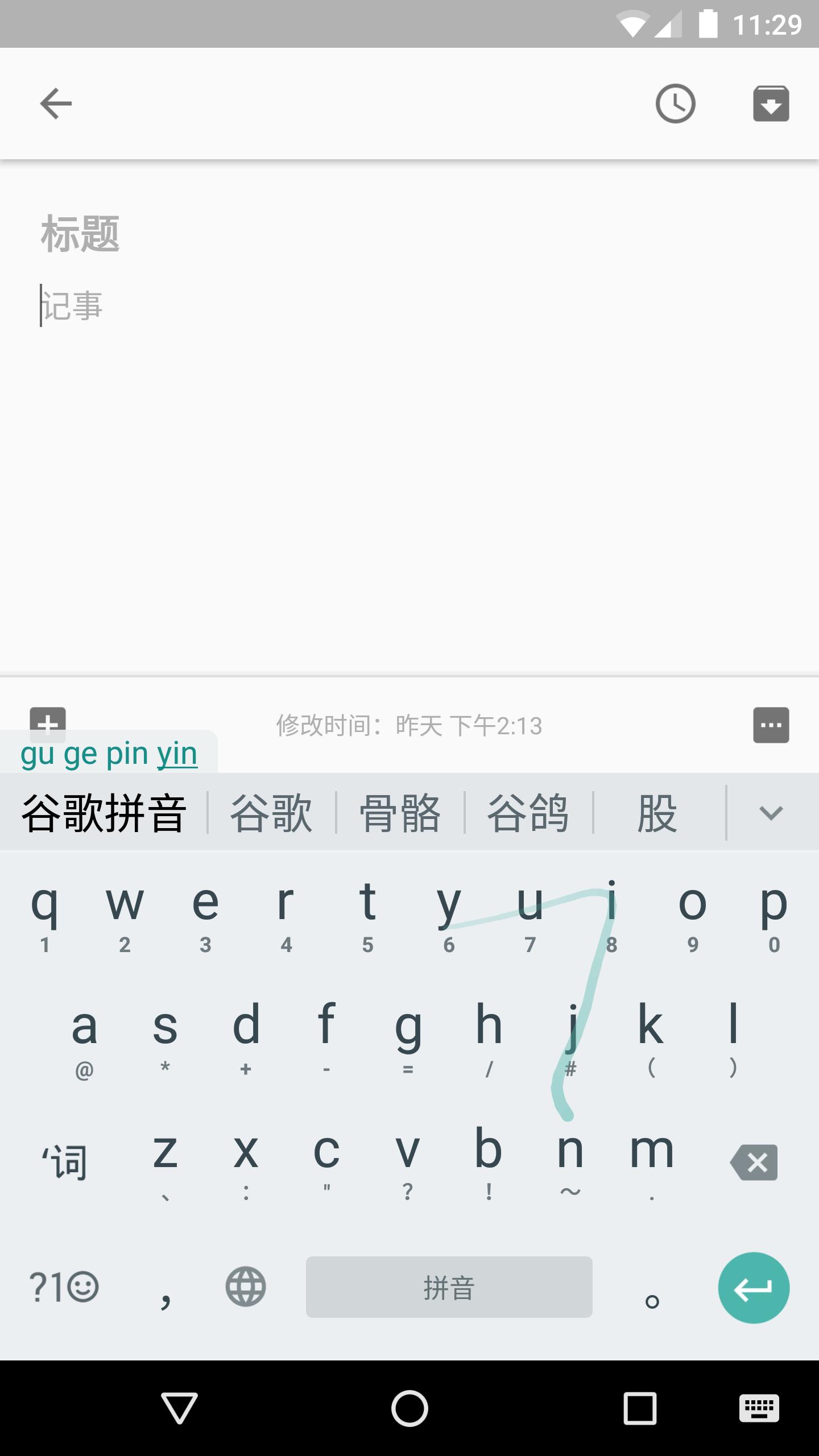
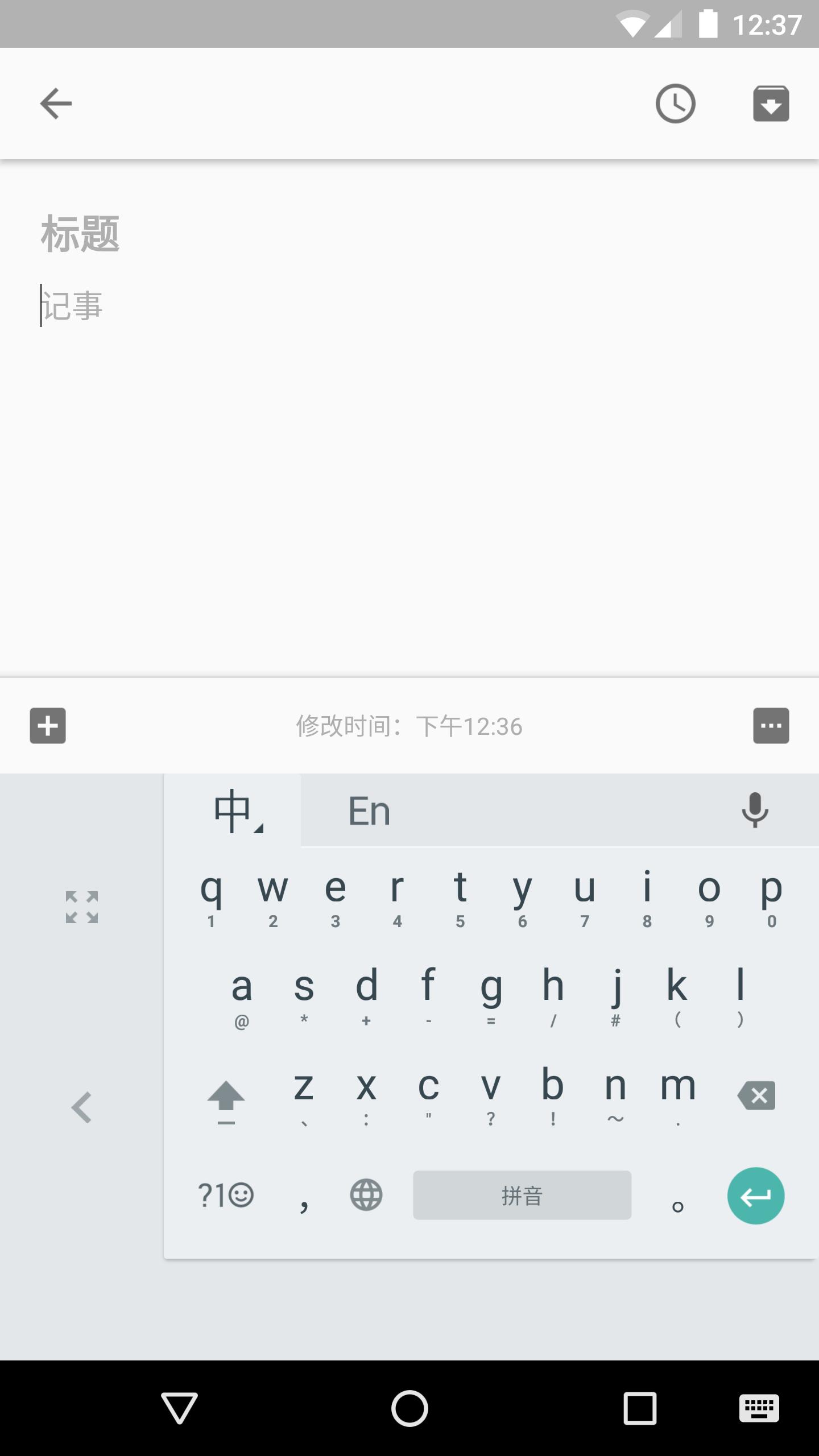
- QWERTY Pinyin keyboard with gesture typing and intelligent correction
- 9 key Pinyin keyboard with gesture typing
- Stroke keyboard
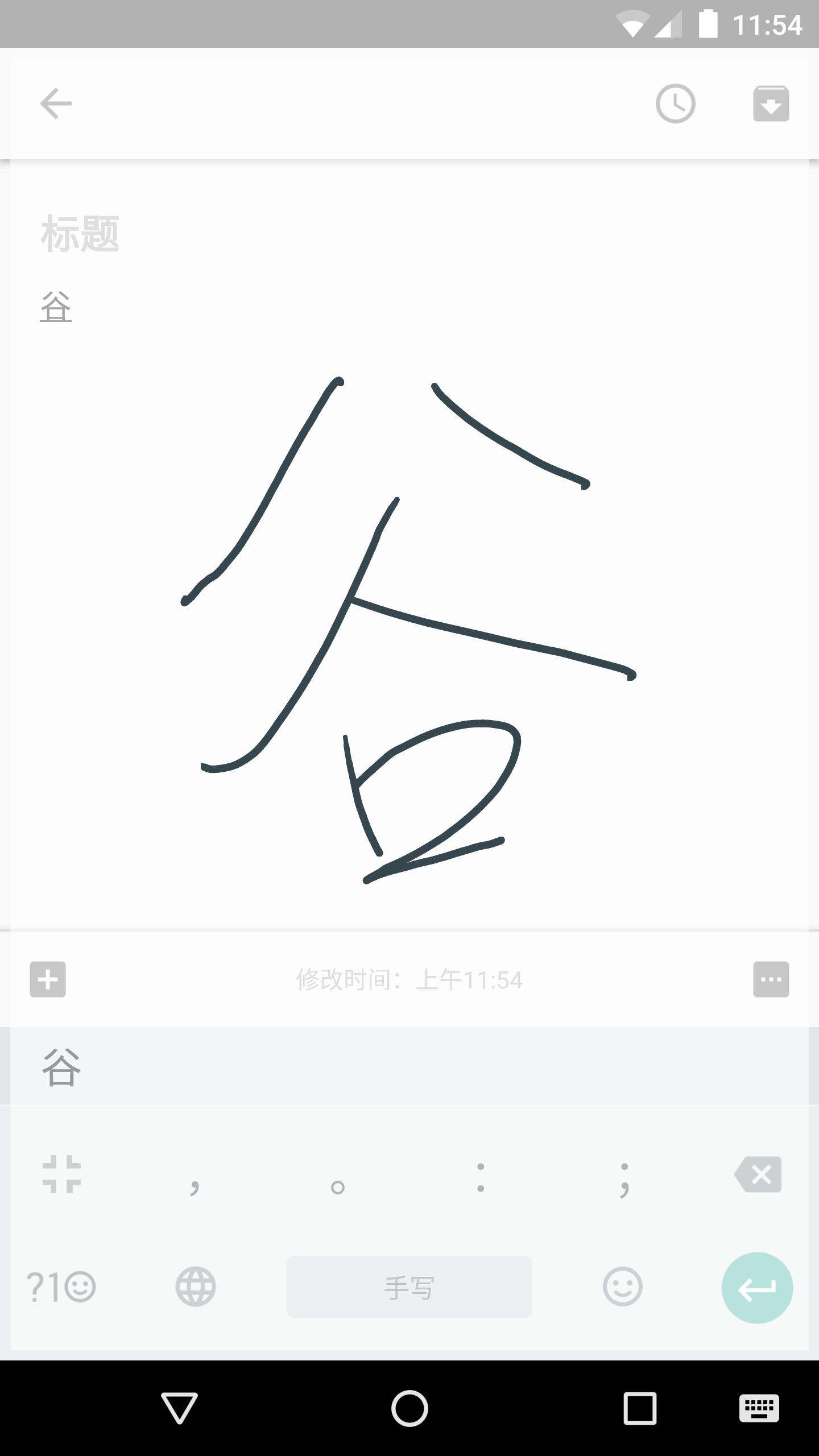
- Full screen and half screen handwriting keyboard
- Latin keyboard
- Fuzzy pinyin
- Double pinyin
- Optimized UI for different screen sizes
- Voice input
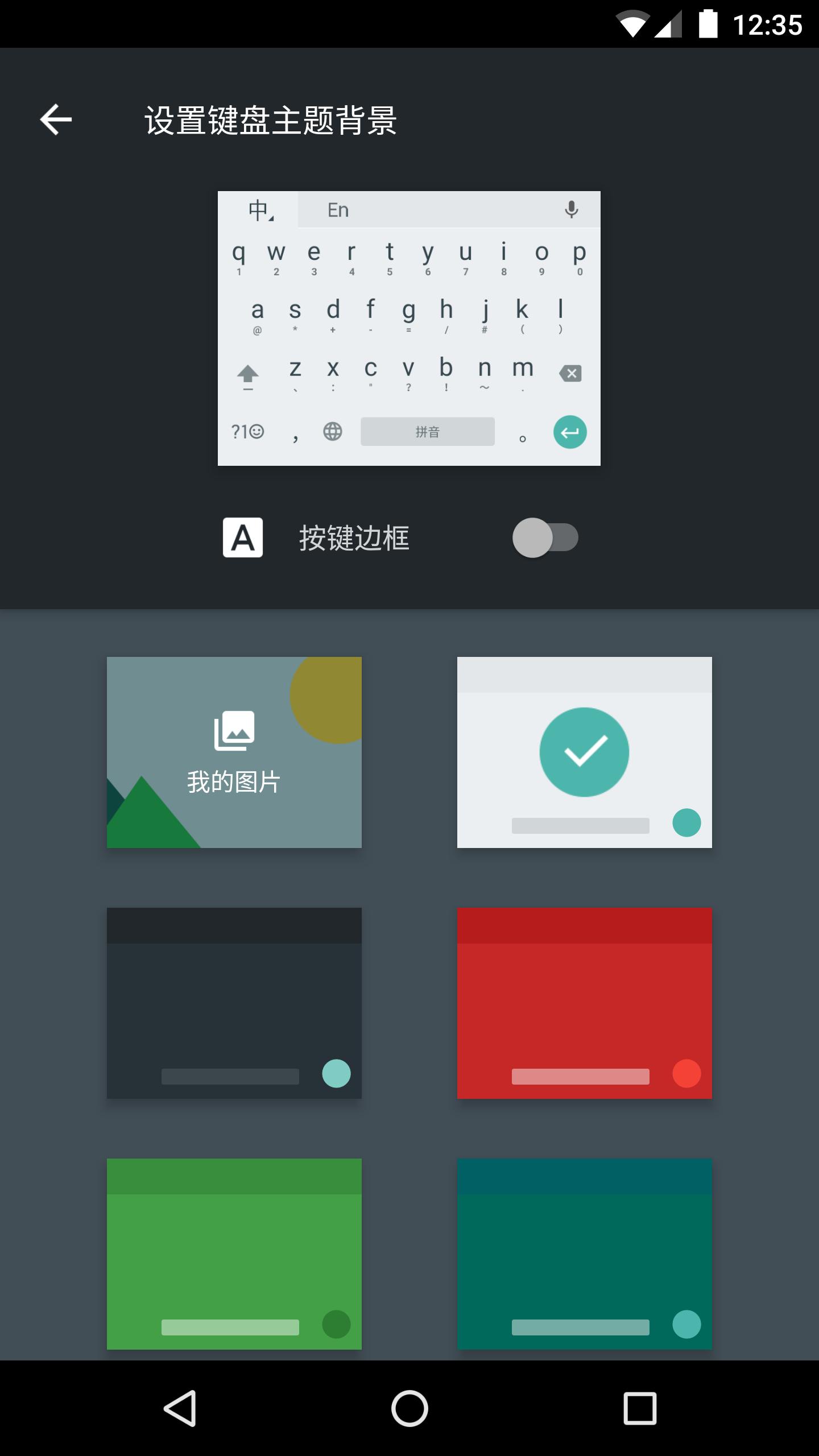
- Themes
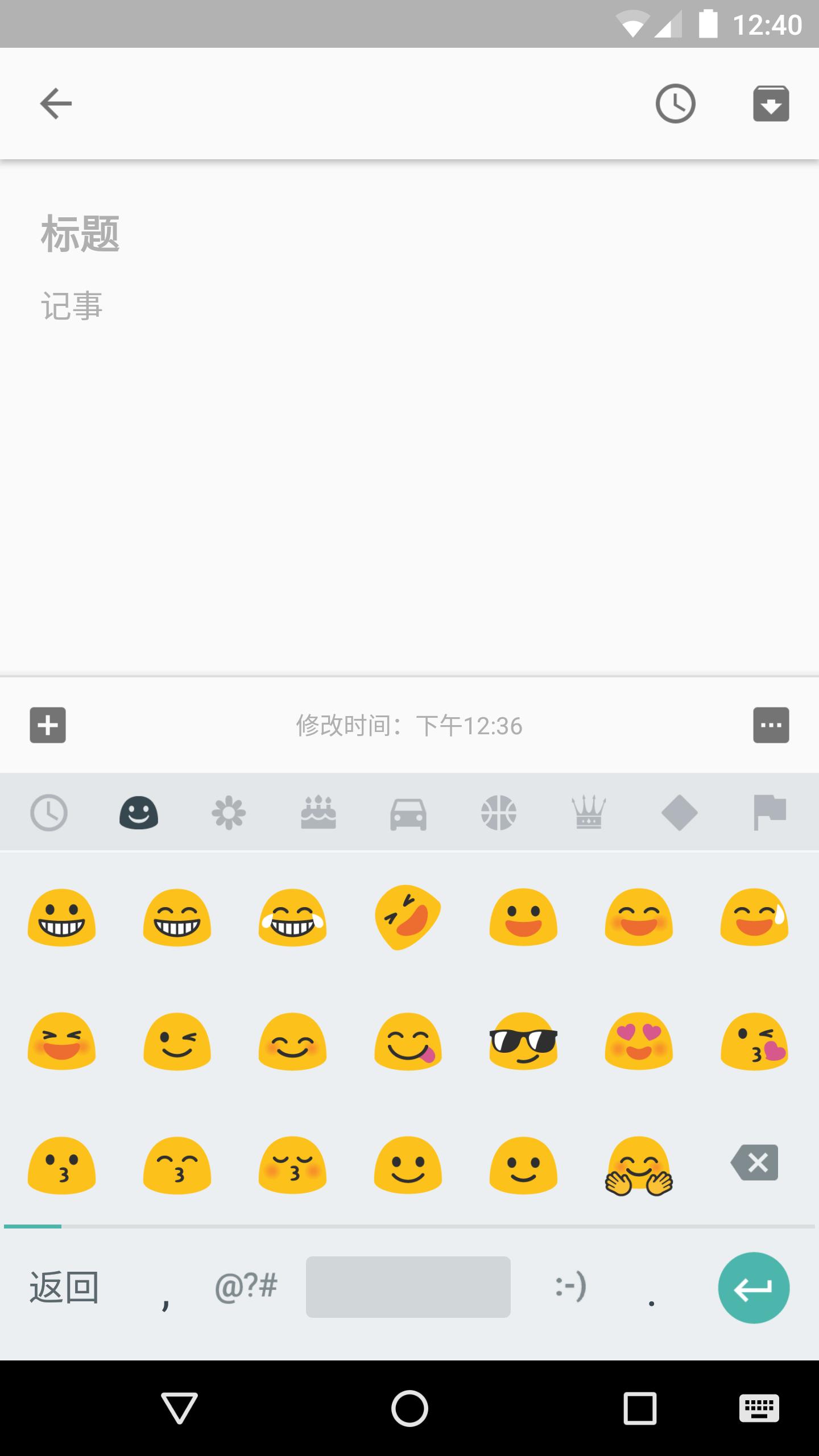
The app supports both simplified and traditional Chinese characters, as well as punctuation, emoticons, Latin characters and digits. Voice input is network-based in order to provide highly accurate matches.
Note: To be used on your Android device, the input method must be enabled in "Settings" → "Language & Input".
For typing Cantonese, you could download the Google Cantonese Input:
https://play.google.com/store/apps/details?id=com.google.android.apps.inputmethod.cantonese
For typing traditional Chinese by Zhuyin or Cangjie, you could download the Google Zhuyin Input:
https://play.google.com/store/apps/details?id=com.google.android.apps.inputmethod.zhuyin
Phiên bản mới nhất
5.0.35.208789526-k8Được tải lên bởi
Google LLC
Yêu cầu Android
Android 7.1+
Danh mục
Miễn phí Công cụ ỨNG DỤNGXếp hạng nội dung
Everyone
Báo cáo
Gắn cờ là không phù hợpLast updated on Mar 1, 2025
Phiên bản này bao gồm các bản sửa lỗi nhỏ và cải tiến chung. Hãy cập nhật lên phiên bản mới nhất để có trải nghiệm tốt nhất.




APKPure - Kho ứng dụng đa nền tảng chủ yếu tập trung vào Android, cung cấp nội dung phong phú về ứng dụng. Khám phá ứng dụng bạn muốn dễ dàng, nhanh chóng và an toàn hơn, với tính năng tải xuống và cài đặt nhanh chóng và hiệu quả.