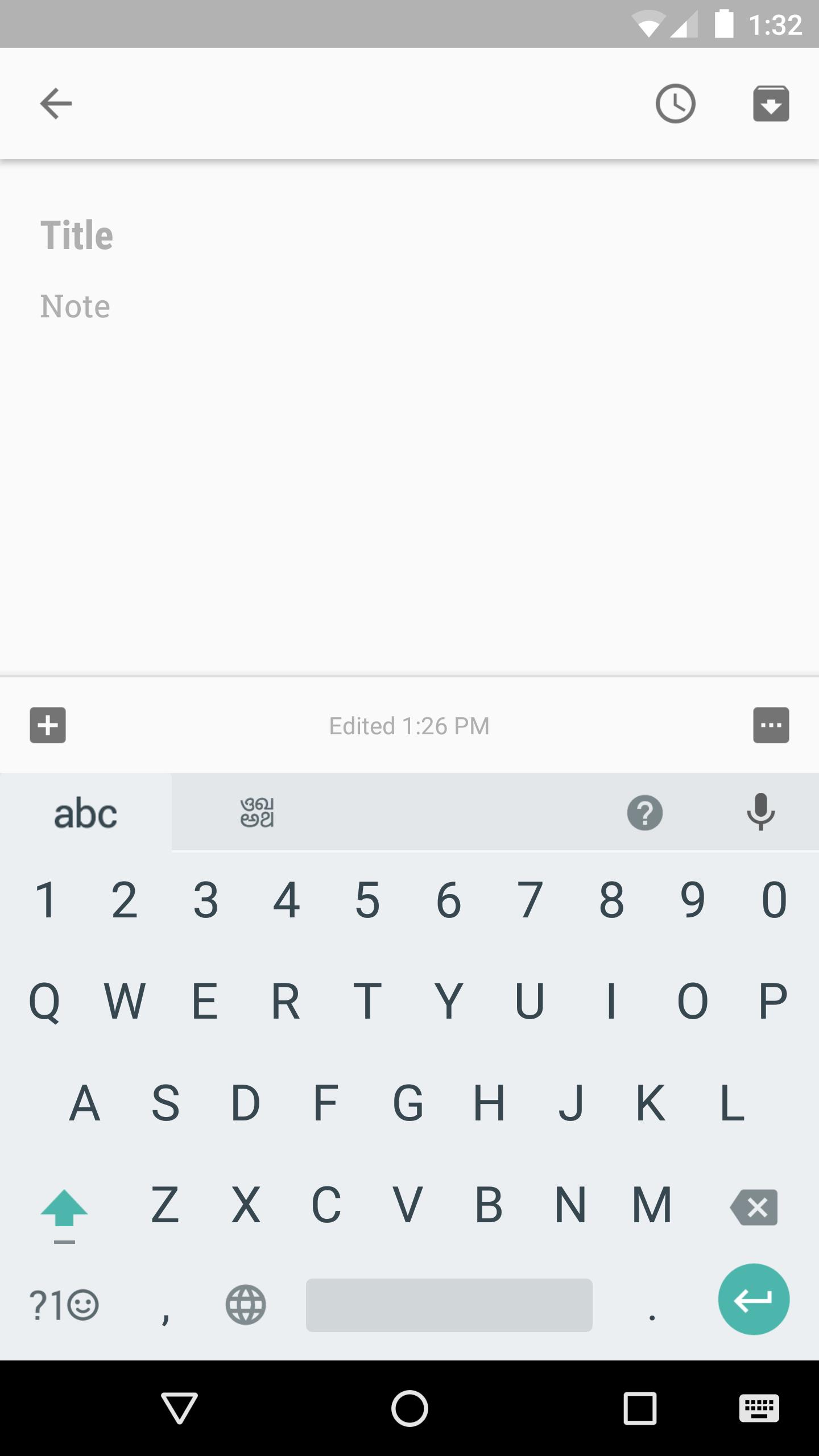
Google Indic Keyboard allows you to type messages, update on social networks or compose emails in your own native language on your Android phone. Currently it includes the following keyboards:
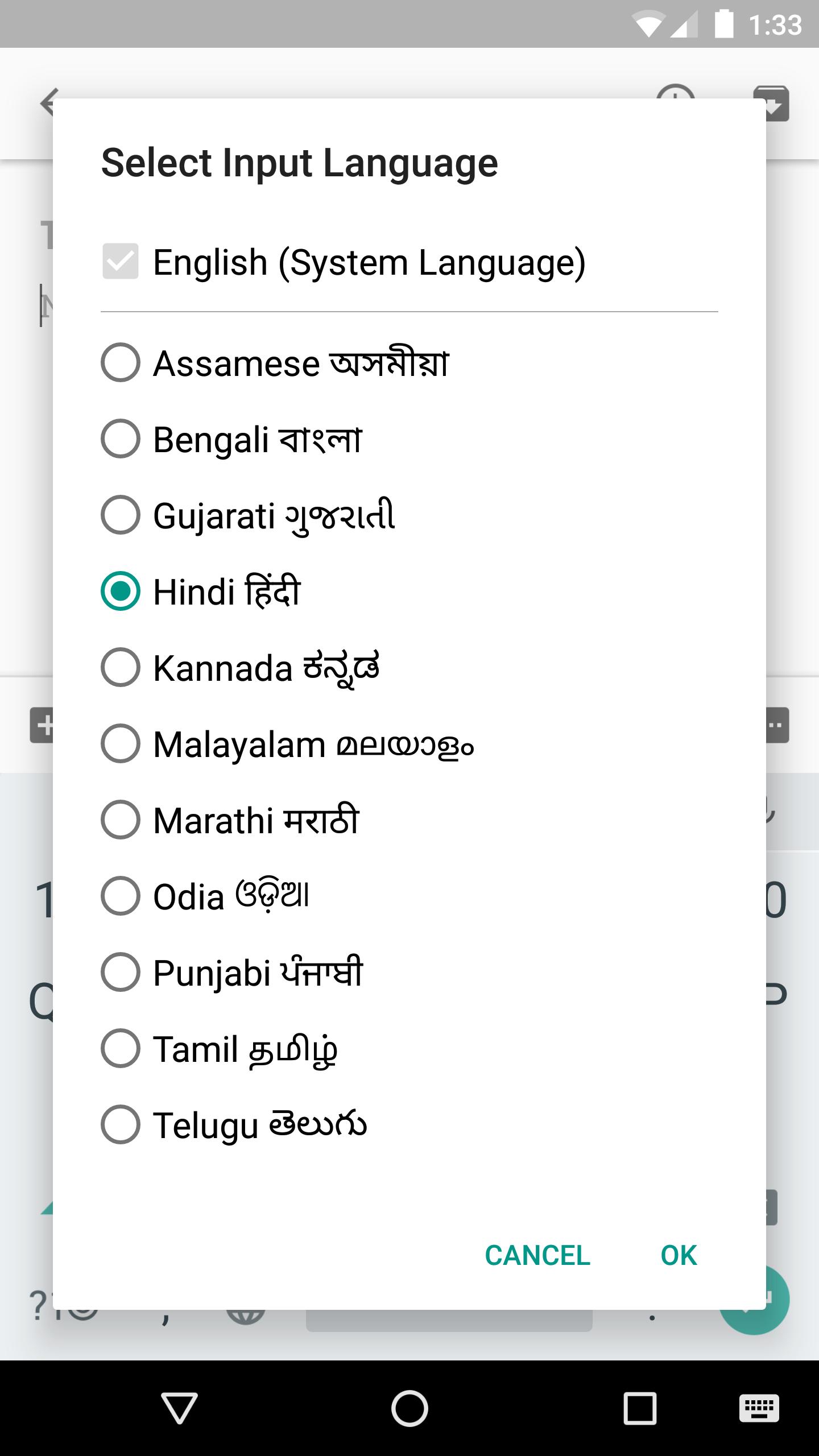
- English keyboard
- Assamese keyboard (অসমীয়া)
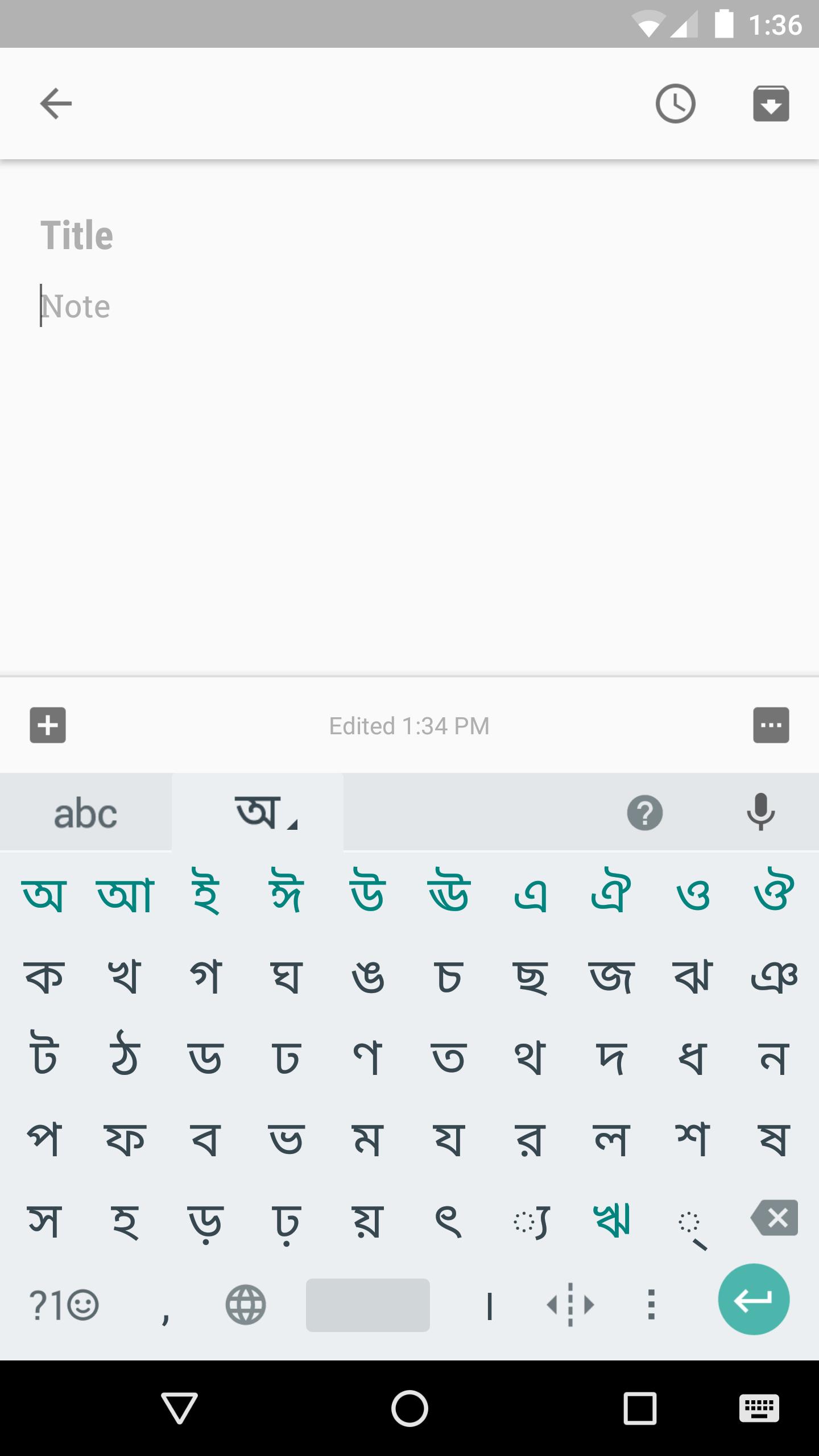
- Bengali keyboard (বাংলা)
- Gujarati keyboard (ગુજરાતી)
- Hindi keyboard (हिंदी)
- Kannada keyboard (ಕನ್ನಡ)
- Malayalam keyboard (മലയാളം)
- Marathi keyboard (मराठी)
- Odia keyboard (ଓଡ଼ିଆ)
- Punjabi keyboard (ਪੰਜਾਬੀ)
- Tamil keyboard (தமிழ்)
- Telugu keyboard (తెలుగు)
On your phone, if you can read your language in its native script above, you may install and use Google Indic Keyboard to input your language; otherwise your phone may not support your language.
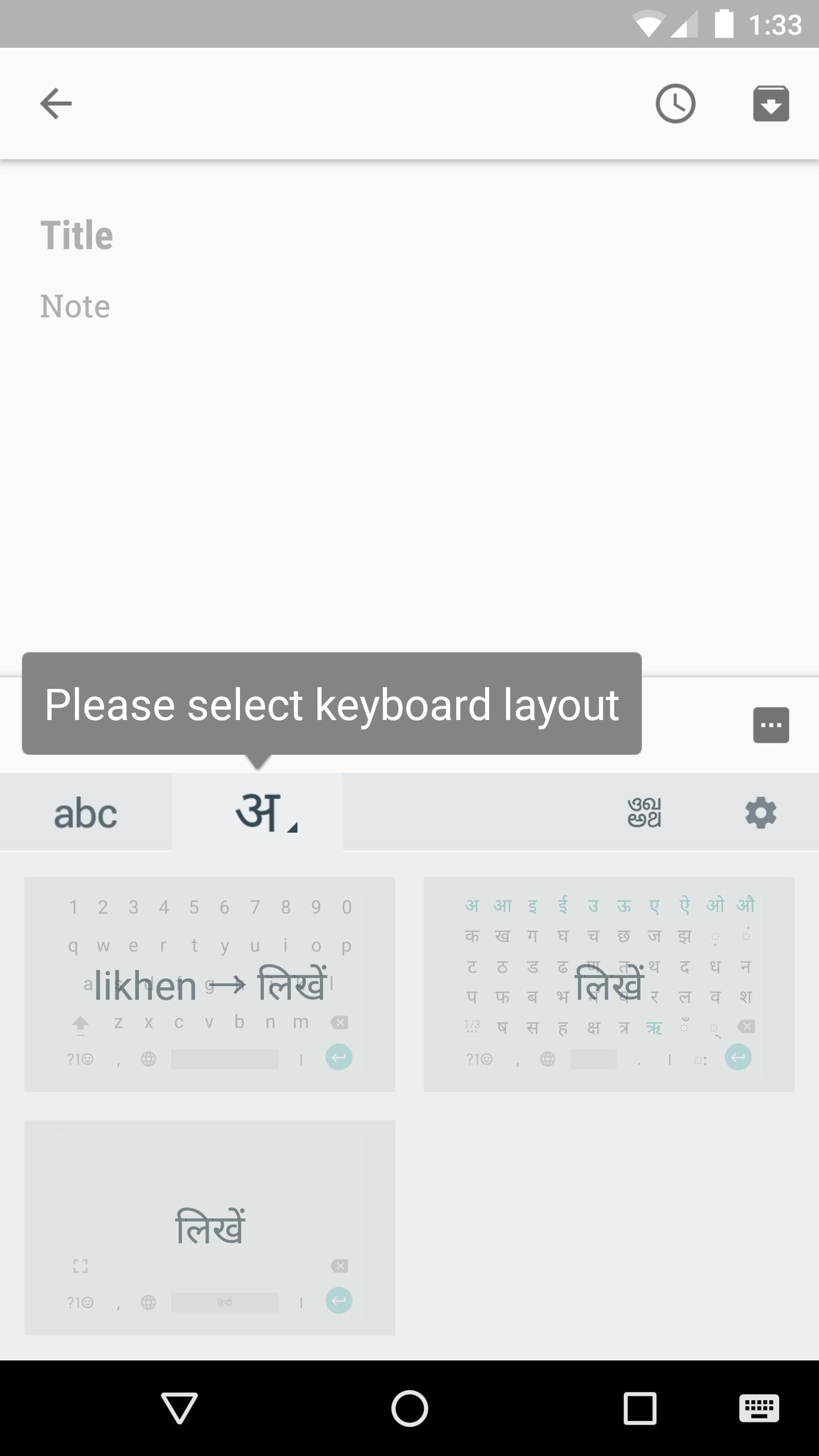
Google Indic Keyboard supports different modes of input:
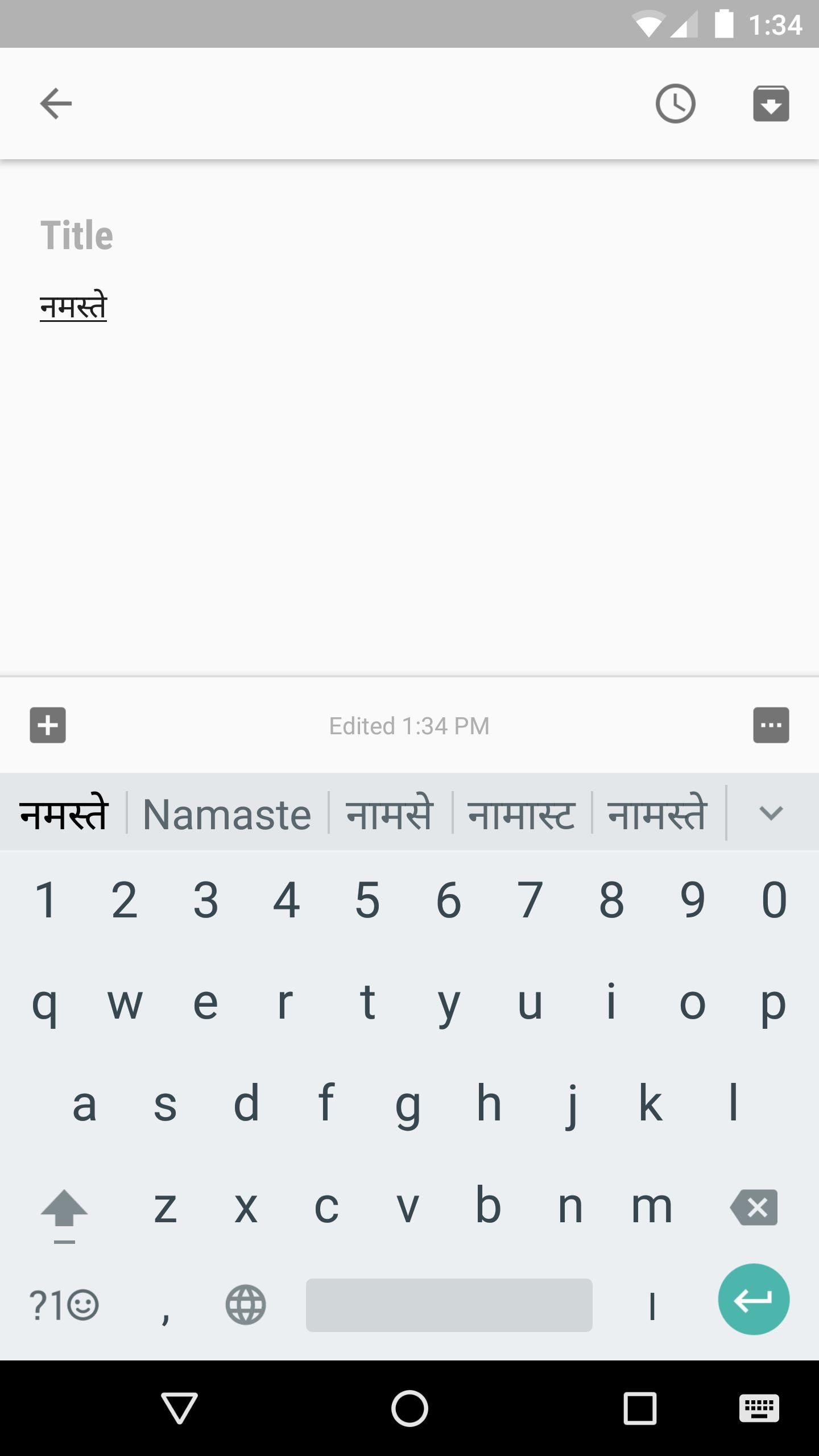
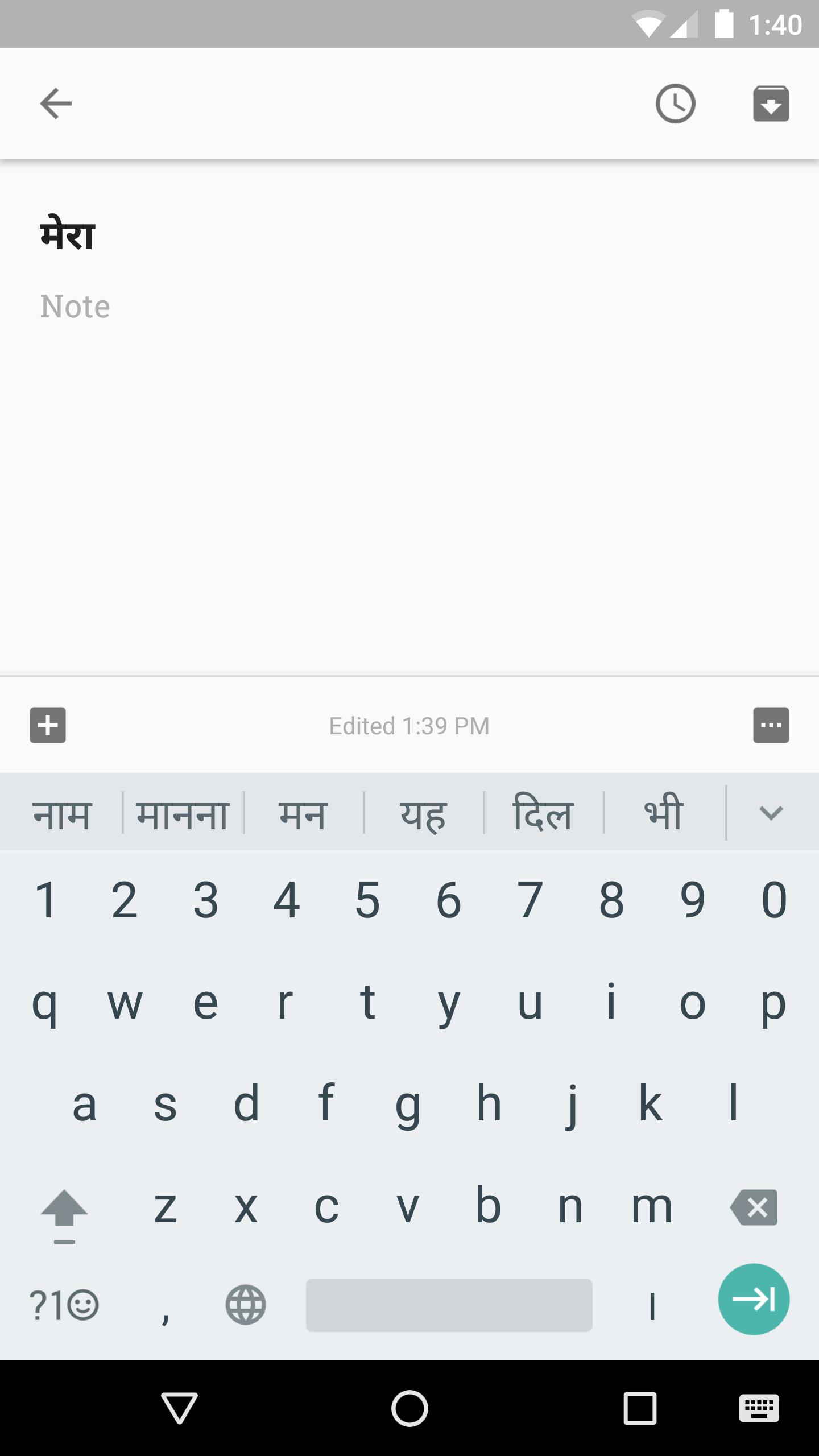
- Transliteration mode - Get output in your native language by spelling out the pronunciation using English letters (For example, “namaste“ -> “नमस्ते“.)
- Native keyboard mode - Type directly in native script.
- Handwriting mode (currently available for Hindi only) - Write directly on your phone screen.
- Hinglish mode - If you choose “Hindi” as an input language, the English keyboard will suggest both English and Hinglish terms.
How can I enable it and set it as the default keyboard?
- On Android 5.x and newer versions:
Open Settings -> Language & Input, under “KEYBOARD & INPUT METHODS” section, go to Current Keyboard -> Choose Keyboards -> Check “Google Indic Keyboard” -> back to “Language & input” -> Current Keyboard -> Select “English & Indic Languages (Google Indic Keyboard)”When typing in an input box, you can also change the default input method by clicking the keyboard icon on the bottom right corner of the screen.
- On Android 4.x:
Open Settings -> Language & Input, under “KEYBOARD & INPUT METHODS” section, check Google Indic Keyboard, then click Default and select “Google Indic Keyboard” in the “Choose input method” dialog.
When typing in an input box, you can also change the default input method by selecting “Choose input method” in the Notification area.
Phiên bản mới nhất
3.3.3.457873346-release-arm64-v8aĐược tải lên bởi
Google LLC
Yêu cầu Android
Android 12.0+
Danh mục
Miễn phí Công cụ ỨNG DỤNGXếp hạng nội dung
Everyone
Báo cáo
Gắn cờ là không phù hợpLast updated on Mar 1, 2025
Phiên bản này bao gồm các bản sửa lỗi nhỏ và cải tiến chung. Hãy cập nhật lên phiên bản mới nhất để có trải nghiệm tốt nhất.



APKPure - Kho ứng dụng đa nền tảng chủ yếu tập trung vào Android, cung cấp nội dung phong phú về ứng dụng. Khám phá ứng dụng bạn muốn dễ dàng, nhanh chóng và an toàn hơn, với tính năng tải xuống và cài đặt nhanh chóng và hiệu quả.