What Is Google SynthID Detector? AI Watermark Verification

2026-10-10
Google SynthID Detector verifies AI watermarks in images, video, audio, and text. Here's how the SynthID portal and Google AI detection work, and where they fall short.
Google SynthID Detector is a web portal that checks whether an image, video, audio clip, or piece of text carries a hidden Google watermark. It went from a waitlist-only tool to open access on October 7, 2026, and it now covers content from Google's AI models plus partner systems. If you've ever wondered whether a photo was made by an AI, this is Google's answer to that question.
The tool matters because watermarks are invisible by design. You can't see a SynthID mark by looking at an image, so you need software to find it. That's what the detector is for.
What Google SynthID Detector Is
SynthID Detector is a verification portal, not an app you install. You upload a file, and the portal scans it for a SynthID watermark, then highlights the parts of the content most likely to carry one. For audio, it pinpoints specific segments. For images, it indicates the areas where a watermark is most probable.
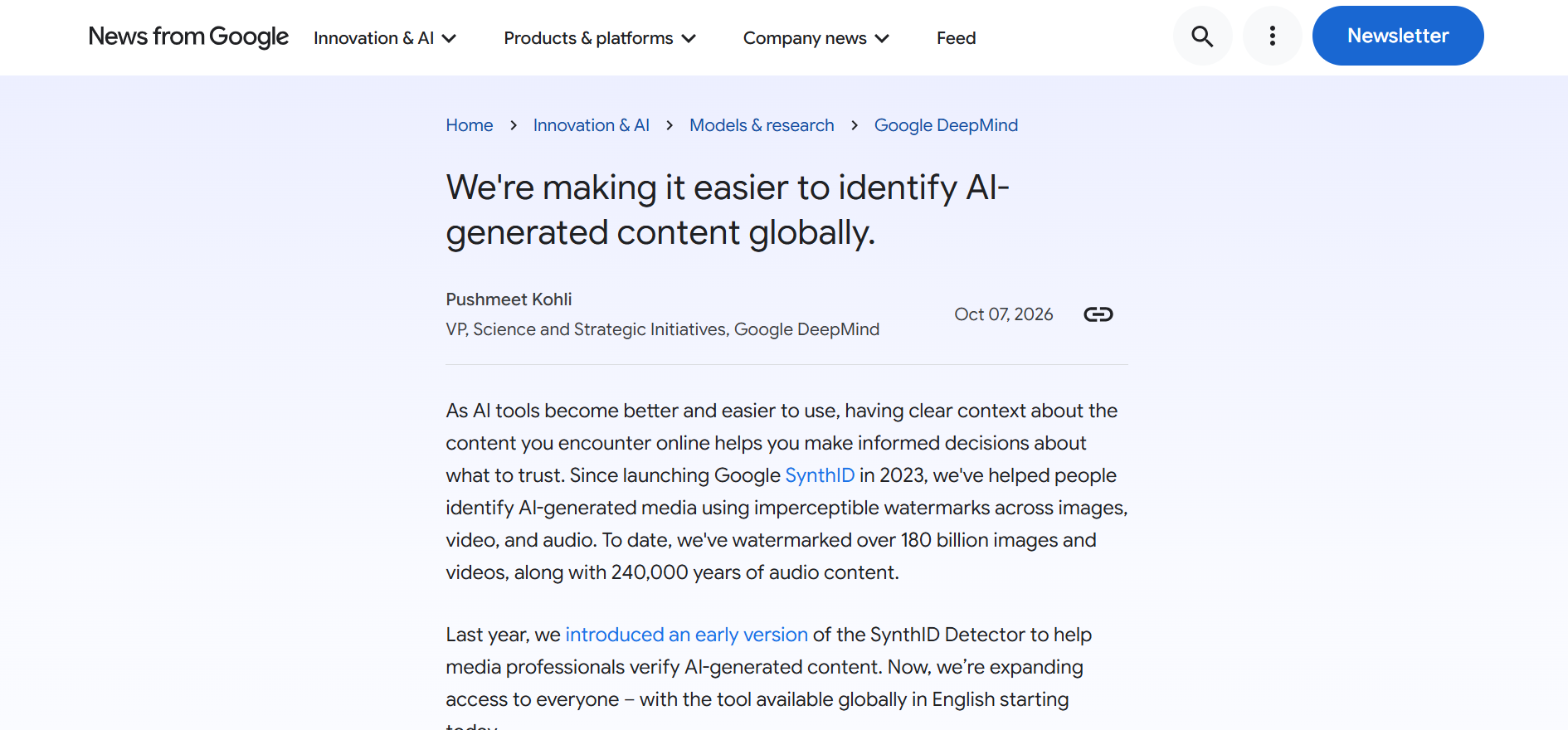
Google first announced the portal in May 2025, rolling it out to early testers like journalists and researchers before opening it up. The October 7, 2026 change made it available to a much wider audience, including partners whose AI systems embed SynthID. The portal's job is simple transparency: give people a way to check authenticity without needing to trust the source of a file.
The reason this matters is scale. Google says more than 10 billion pieces of content have already been watermarked with SynthID across its models, including Gemini, Imagen, Lyria, and Veo. When that much content carries an invisible mark, you need a public tool to read it.
How SynthID Watermarks Work
A SynthID watermark is a signal embedded into content in a way that survives editing and sharing. Google designed it to stay detectable even when a file is compressed, resized, cropped, or lightly edited, which is the hard part of any watermark. A mark that disappears the moment someone screenshots an image is useless.
For text, the watermark rides inside the words themselves. The model biases its word choices in a statistically subtle pattern that a detector can read back. That's why retyping the same sentences by hand can reproduce the signal: the mark is the wording, not an added tag. For images, video, and audio, the signal is embedded into the content's data so it stays invisible to the eye and ear.
The detector doesn't just say yes or no. It highlights which portions of the content are most likely watermarked, which is genuinely useful. A photo might have AI-generated sections stitched into a real background, and highlighting the likely-watermarked regions gives you a clue about what was synthesised.
How to Use the AI Watermark Detector
- Go to the SynthID Detector portal and start a new scan.
- Upload the image, audio track, video, or text you want to check.
- Let the portal scan the file for a SynthID watermark.
- Review the results, which highlight the parts most likely to be watermarked.
The flow is deliberately plain. There's no account complexity once you're in, and the results come back as a visual overlay rather than a technical report. For a journalist checking a source photo or someone verifying a suspicious audio clip, that's the right level of detail.
One caveat worth internalising: the detector only finds SynthID watermarks. If content came from a tool that doesn't use SynthID, the portal won't flag it, and that doesn't mean the content is real. A "no watermark found" result means the detector didn't find a SynthID mark, not that the file was made by a human.
Google AI Detection and Partner Coverage
SynthID started as a way to mark Google's own AI images, then expanded to text, audio, and video from Gemini, Imagen, Lyria, and Veo. The October 2026 update extends detection to partner systems, which is what turns it from a Google-only tool into a broader industry check.
Google partnered with NVIDIA to watermark videos generated by the NVIDIA Cosmos preview service, so content from outside Google starts carrying the same signal. The company also works with GetReal Security, a content verification platform, on the detection side. That two-way setup matters: partners embed SynthID, and partners can detect it too.
The partnership angle is what makes this more than a Google feature. If OpenAI, NVIDIA, and Kakao are all in the loop, a single detector can verify content from several major AI systems rather than just one. That's a meaningful step toward a shared standard, though it depends on those partners actually using the same watermarking scheme.
Limitations of Google SynthID Detector
The biggest limitation is coverage. If an AI tool doesn't embed SynthID, the detector can't find what isn't there. That leaves plenty of AI content invisible to this specific portal, so treat a negative result as inconclusive rather than proof.
Text watermarks have known weaknesses too. Google's own developer documentation notes the text method survives some changes, like cropping or mild paraphrasing, but that it has limits. Heavy rewriting or translating into another language can strip the signal. So the detector's confidence on text is lower than on images or audio, and you should weigh a text result accordingly.
There's also the question of what happens after a scan. You're uploading potentially sensitive files to a Google portal, so if the content is private, think about how comfortable you are with that before you check it. For public fact-checking, the tradeoff is obvious; for personal files, it's worth a pause.
Why Google AI Detection Matters for Android Users
Every Android phone is now a content studio. Your camera shoots AI-edited photos, your messaging apps forward media, and your social feeds are full of images whose source you can't verify. A tool that checks for AI watermarks gives you one more way to judge whether what you're looking at is what it claims to be.
The practical use is mobile-first. When a photo lands in a group chat claiming to show something dramatic, running it through a watermark check takes seconds and can settle the question. You don't need to trust the sender if you can verify the file. That's the quiet value of a public detector: it moves verification out of the hands of platforms and into yours.
The flip side is that a watermark check is never the whole story. Scammers will use content without SynthID precisely because it won't trigger the detector. So pair the tool with the usual habits, like checking the source and being skeptical of anything that's too dramatic to be true.
 NEWS
NEWS REVIEWS
 HOWTO
HOWTO