Seekee Online Access: Web Version & Browser Use

2026-08-05
Find out if Seekee offers browser access, the differences between the app and online versions, and how to get started.
Seekee is primarily a mobile app, and the company hasn't released a standalone web version you can open in your browser. But there are a few ways to access Seekee's features without installing the full Android APK, depending on what you need.

Seekee is an AI browser and assistant that turns search into a conversational workspace.
Is There a Seekee Web Version?
As of August 2026, Seekee doesn't offer a full-featured web app at a URL like seekee.com or app.seekee.com. The company's development focus has been on the Android and iOS apps, which is where all 22 million downloads live. The official website (https://www.seekee.ai/) is a download portal, not a working version of the AI tool.
This is fairly common for AI apps that rely on mobile-first experiences. Building and maintaining a web version takes engineering resources that many startups choose to put into their app instead. For Seekee, the bet seems to be that most people want an AI assistant on their phone, not in a browser tab.
How to Use Seekee on Your Computer
Even without a web version, you can still use Seekee on a PC or laptop. The most straightforward approach is running the Android app through an emulator:
Android emulators like BlueStacks or LDPlayer let you install the Seekee APK on your Windows or Mac machine. Download the emulator, install it, then drag and drop the Seekee APK onto the emulator window. The app runs inside a virtual Android environment on your desktop.
This gives you the full Seekee experience — all features work the same as they do on a phone — but with a keyboard and larger screen. The main downside is that emulators use more system resources than a native app would, so you'll want a reasonably capable computer.
Screen mirroring is another option. If you have Seekee on your phone and want to use it on a bigger screen, tools like Samsung DeX or third-party mirroring apps can display your phone screen on your monitor. This doesn't give you keyboard shortcuts, but it's useful for reading AI-generated content or viewing images on a larger display.
How To
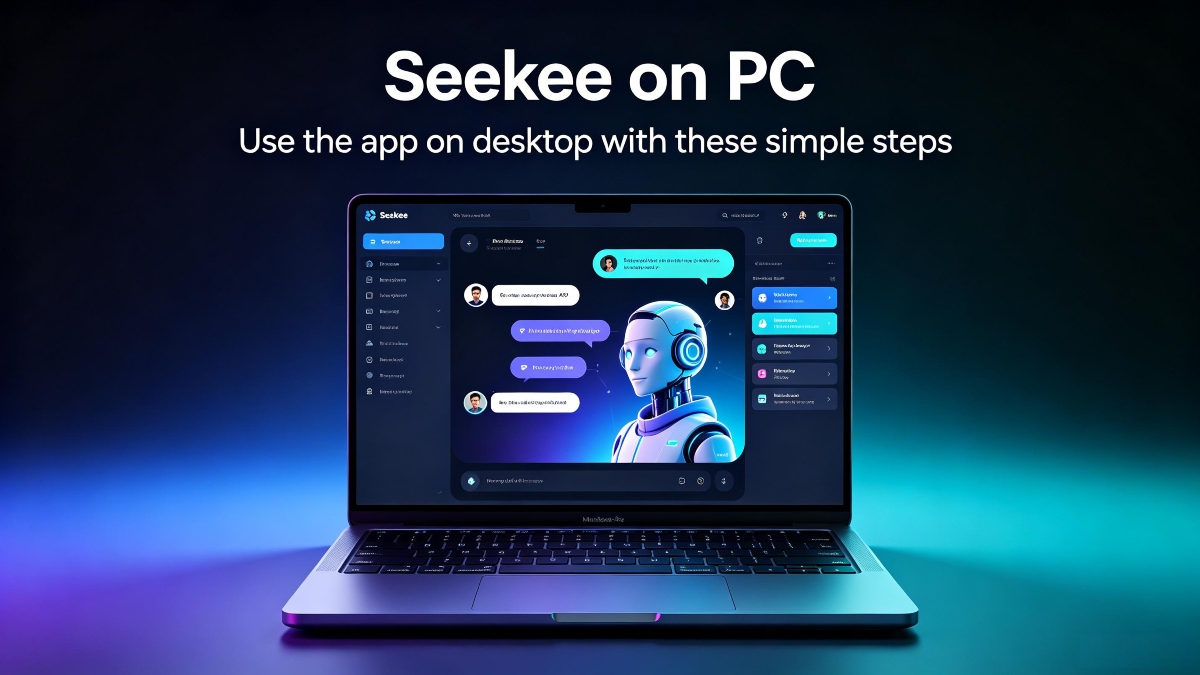
Seekee for PC: How to Run It on DesktopLearn how to run the Seekee AI app on Windows and Mac using Android emulators, with step-by-step instructions.
Learn MoreWhat You Can Do Through the Seekee Website
The official seekee.org website provides app information, feature descriptions, and download links for the Android APK and iOS versions. It's not a functional AI tool — you can't search, generate images, or use any of the AI features directly on the site. It's purely informational and serves as the download hub for the mobile apps.
Why No Web Version?
You can't use Seekee in a browser. The app is mobile-only for now. If you want Seekee on your computer, an Android emulator is your best option. If mobile is fine, download Seekee APK from APKPure, and you'll have the full AI toolkit on your phone in a couple of minutes.
AI apps like Seekee face a few challenges with web versions: they need a different UI architecture for desktop screens, browser-based image generation can be slower, and supporting both web and mobile splits development resources. Many AI apps in Seekee's category — particularly newer ones — start mobile-only and add web access later if demand justifies it.
ChatGPT and Perplexity both launched web versions alongside their apps, but they had larger teams and more funding from the start. Seekee's trajectory suggests a web version might come eventually, especially if enough users ask for it, but there's no public timeline.
Seekee is an AI browser and assistant that turns search into a conversational workspace.
 NEWS
NEWS REVIEWS
 HOWTO
HOWTO