Is Hypic Free: What the Free Version Includes

2026-08-06
We break down exactly what's free in Hypic's photo editor, what requires Pro, and whether you can edit photos without ever paying.
Hypic is a free-to-use image editor. You can use it to edit photos with AI-powered retouching, apply filters, remove backgrounds, make collages, and export images, all without paying a cent. The free tier is not a time-limited trial and doesn't lock you out after a certain number of edits. But some of the most impressive features sit behind a Pro paywall, and the free exports come with a watermark. Here's exactly what you get for free and what you don't.
News
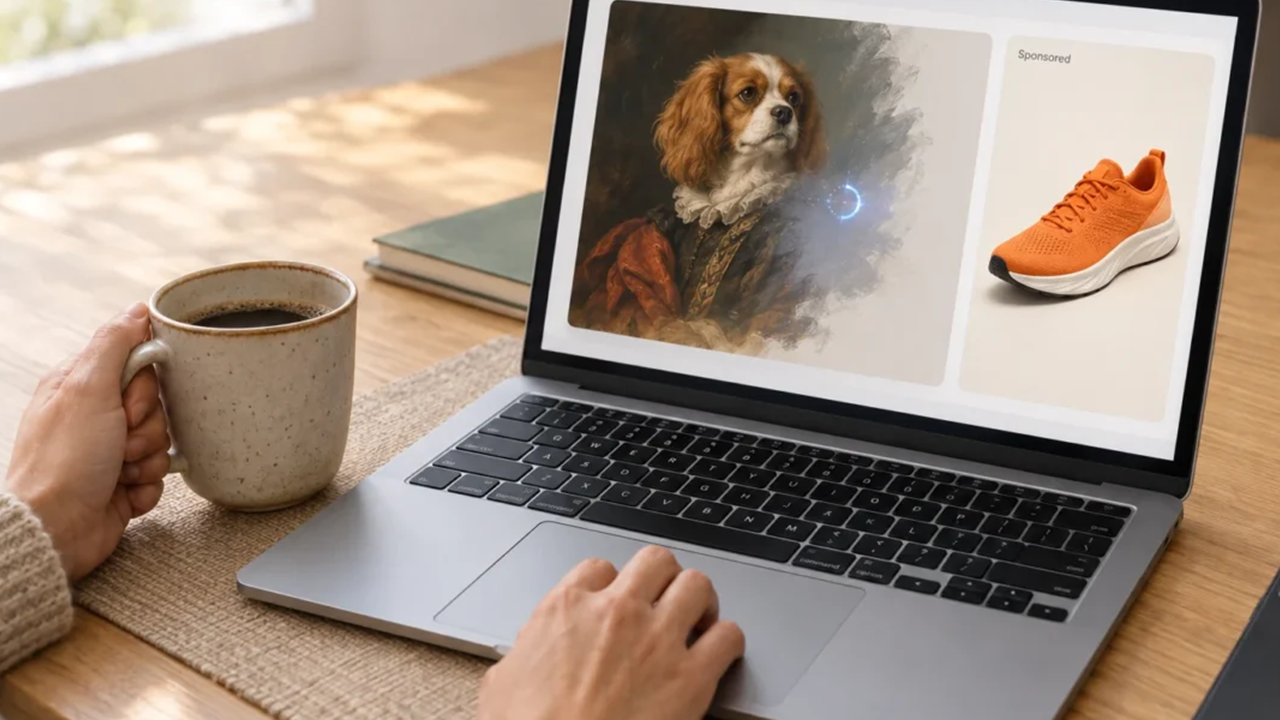
What Is Hypic? Quick Guide to ByteDance's AI Photo EditorQuick overview of what Hypic is and all its key features, like face retouching, background removal, AI expand, and artistic filters.
Learn MoreWhat's Free in Hypic
The free tier covers the core editing workflow end to end. You can load a photo, retouch it, apply effects, and share it without ever seeing a paywall.
The entire beauty retouching suite is free. Skin smoothing, blemish removal, face slimming, eye enhancement, nose reshaping, lip adjustment, all the face-sculpting tools - work without payment. The same goes for body shaping. These are Hypic's strongest features, and they're in the free tier.
Standard filters and basic artistic styles are free. There are dozens of color grades, film emulations, vintage looks, and mood presets. The 2026 artistic styles include some free variants of the oil painting and watercolor effects, though the full library requires Pro.
Background removal is free. One-tap AI background removal with manual refinement brush works on the free tier. You can replace removed backgrounds with solid colors, gradients, or gallery images.
Collage creation is free. Up to 9 photos per collage with template selection. Basic video trimming and filter applications are free.
Standard-resolution export is free. The catch is a small Hypic watermark in the corner of exported images.

How To
How to Download Hypic - Photo Editor & AI Art Old Versions on AndroidHypic - Photo Editor & AI Art: Powerful AI tools, trendy effects, and easy editing make it a must-have for social media. Read this article to find out how to download Hypic - Photo Editor & AI Art old versions.
Learn MoreWhat's Not Free (Requires Pro)
AI Expand, extending your photo beyond its original frame using generative AI, is Pro-only. This is Hypic's most technically impressive feature, and it's behind the paywall.
4K export without watermark requires Pro. The free tier exports at standard resolution with a watermark.
Batch processing (applying the same edits to multiple photos at once) is Pro-only.
The full library of advanced artistic filters (complete oil painting, watercolor, anime, and 3D render styles) requires Pro.
Unlimited AI enhancement uses are Pro-only. The free tier limits how often you can use the AI upscaling tool per day.
How Hypic's Free Tier Compares
Compared to other photo editing apps, Hypic's free tier is generous. Picsart's free version is ad-supported and locks more features behind a $13/month subscription. Facetune gates its best retouching tools behind a $9/month paywall. Snapseed is fully free but doesn't have AI retouching at all.
Hypic's free tier also doesn't spam you with ads while editing. The monetization is purely through the Pro subscription; you're not watching 30-second video ads between edits.
Can You Use Hypic Completely Free?
If your editing needs are basic - retouch a selfie, apply a filter, remove a distracting background, make a collage - the free tier handles all of it. The watermark is small and can be cropped out of most compositions, though it's noticeable on full-frame photos.
The reason to pay is specific: you want AI Expand, you edit in batches and need batch processing, or you post enough that removing the watermark and exporting in 4K matters. For casual use, the free tier is more than enough.

Hypic is a photo editing app that improves portraits and prepares images for sharing.
- How to Download Crazy Hospital®️ APK Latest Version 1.0.150 for Android 2026
- How to Download Builda - Create and Play APK Latest Version 1.84.2 for Android 2026
- How to Download Triple A APK Latest Version 9.17 for Android 2026
 NEWS
NEWS REVIEWS
 HOWTO
HOWTO