Scan Date:Aug 7, 2025
Show More


Icon Changer helps users who want a fresh home screen without installing a custom launcher. It creates new shortcuts that point to your chosen apps, so your original app icons stay untouched. This approach is simple, quick, and easy to manage on most Android devices. If you prefer a direct setup, consider using Icon Changer APK to access the same tools in one place and keep your home screen organized.
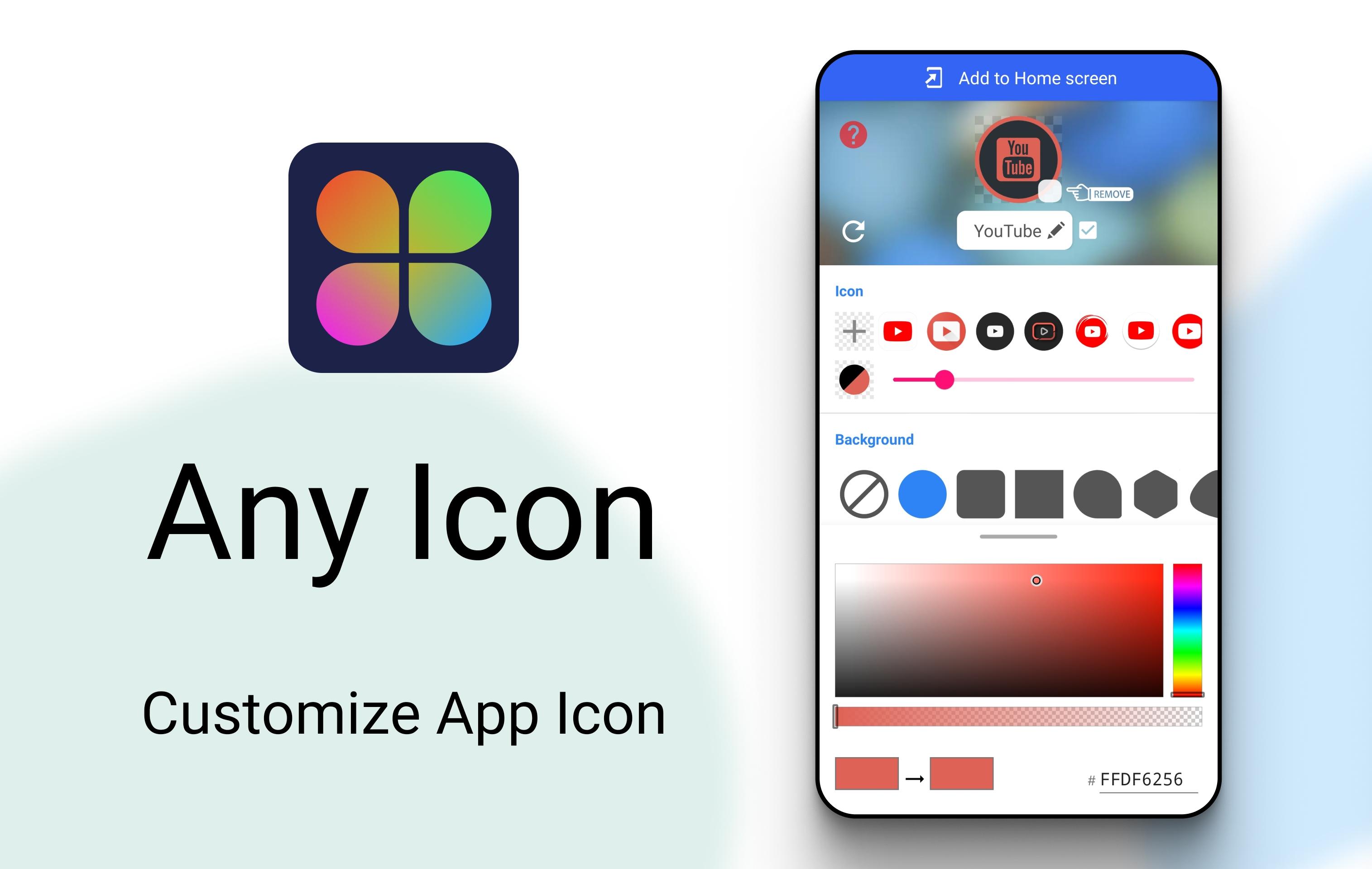
Shortcut-based icon and name changes
Icon Changer uses Android’s shortcut function to present a new app icon and label on your home screen. The original app icon does not change, so you decide which icon you want to use. This method avoids replacing system assets and works across many devices. You only need to place the new shortcut and start using it.
Multiple icon sources and styles
You can pick from a built in library with many styles, or import your own images from the gallery or camera. Icon Changer also supports other app icons and compatible third party icon packs. This flexibility helps you match themes, photos, or branding. As a result, you can keep different apps consistent under one style.
Clean shortcuts that open fast
Shortcuts created by Icon Changer are designed to launch quickly with no noticeable delay. After you place a shortcut, tapping it opens the target app right away. This keeps daily use smooth when switching between customized apps. You can arrange the shortcuts like any other icon on your home screen.
Guided flow for quick customization
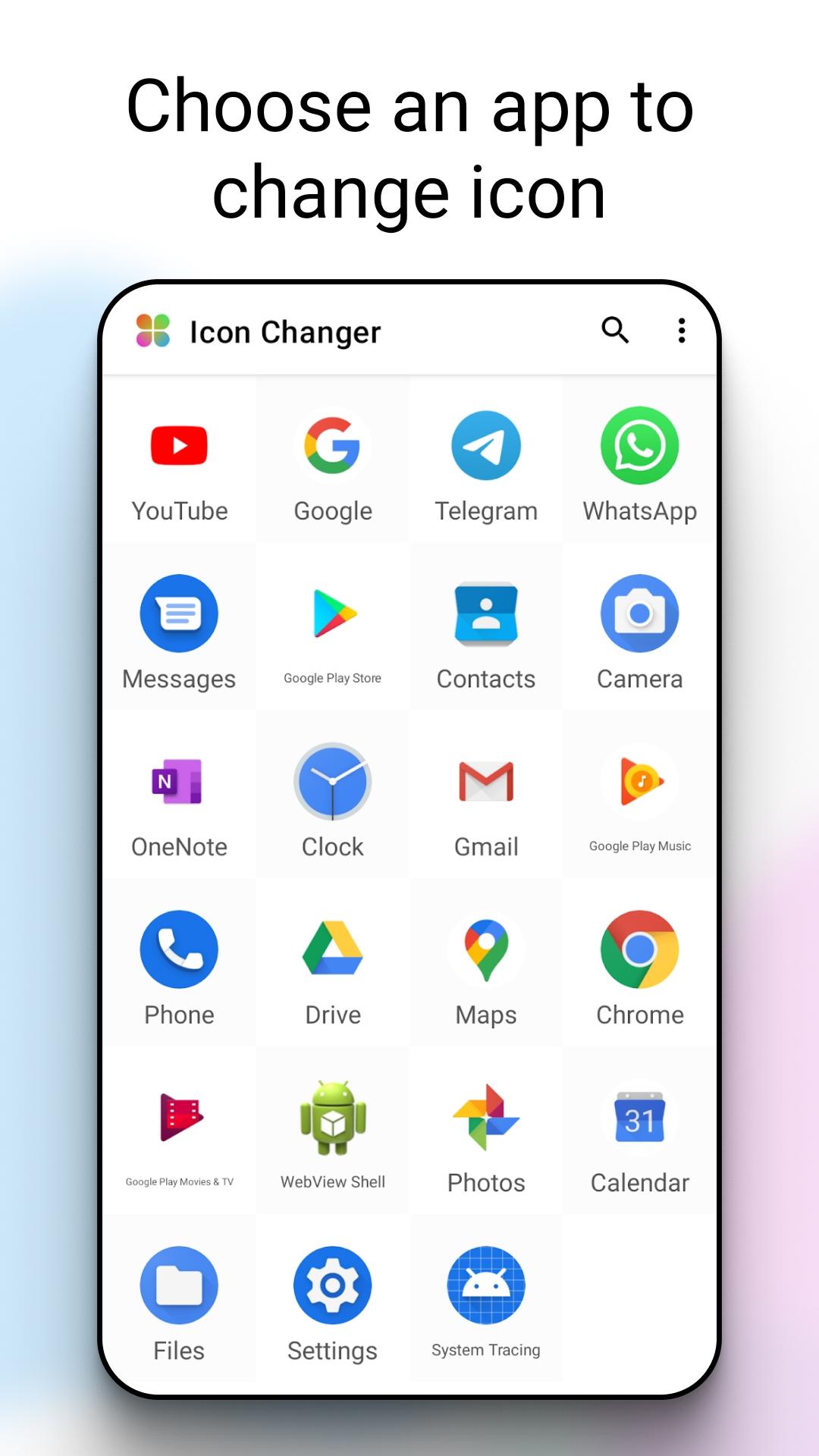
The app provides a straightforward, step by step flow to create and edit shortcuts. You select an app, choose an icon, and edit the name if needed. Icon Changer then prompts you to place the shortcut on the home screen. This clear sequence makes it easy to set up several apps in one session.
Watermark workaround via widget method
Some devices add a small mark to shortcuts created by third party apps. If that happens, Icon Changer offers a widget based method to avoid the mark. You can add the Icon Changer widget and configure the same icon and label, then place it on the home screen. This provides a clean look on devices that apply marks to standard shortcuts.
Icon Changer changes how app icons appear by creating shortcuts, not by modifying the original app. To use your new look, place the shortcut on the home screen and tap that icon going forward. The original app stays installed and continues to work normally. If you searched for an icon changer app download to refresh your layout, this shortcut method is likely what you expect.
Icon Changer states that no data is shared with third parties and data is encrypted in transit. The app is free and supported by ads that are designed to be manageable during regular use. If you rely on icon packs or newer shortcut options, checking that you are on the Icon Changer latest version can help with compatibility. For users looking for an icon changer for Android that balances privacy and function, these points may inform your decision.
If your device adds a watermark or mark to newly created shortcuts, try the widget approach. Follow these steps:
This method is useful on devices that treat standard shortcuts differently. It keeps your customized icons clean while preserving quick app launching.
The basic setup is quick and works the same on most Android phones. The steps below cover selecting an app, choosing an icon, and placing the shortcut. If needed, you can repeat the flow for several apps in one session using Icon Changer APK.
Icon Changer offers a simple way to refresh app icons and names using shortcuts. To begin, download Icon Changer and set up a few icons to match your style. If you prefer a straightforward, icon changer free download experience with core privacy protections, this tool aligns with that goal.
For help or feedback, contact the developer using the information below.
Latest Version
1.8.8Uploaded by
Any Studio
Requires Android
Android 5.0+
Category
Free Personalization AppContent Rating
Everyone
Security Report
Report
Flag as inappropriateLast updated on Aug 7, 2025
This release includes minor bug fixes and general improvements. Update to the latest version for the best experience.



APKPure - A multi-platform app store primarily focused on Android, providing extensive app-related content. Discover the app you want easier, faster, and safer, with quick and efficient downloads and installations.