MLBB 10th Anniversary Guide - How to Get the Layla Prismatic Rhythm Skin

2026-10-10
MLBB celebrates its 10th anniversary on October 9 with the Gala Weekend. Here's how to claim the Layla Prismatic Rhythm skin and other free rewards step by step.
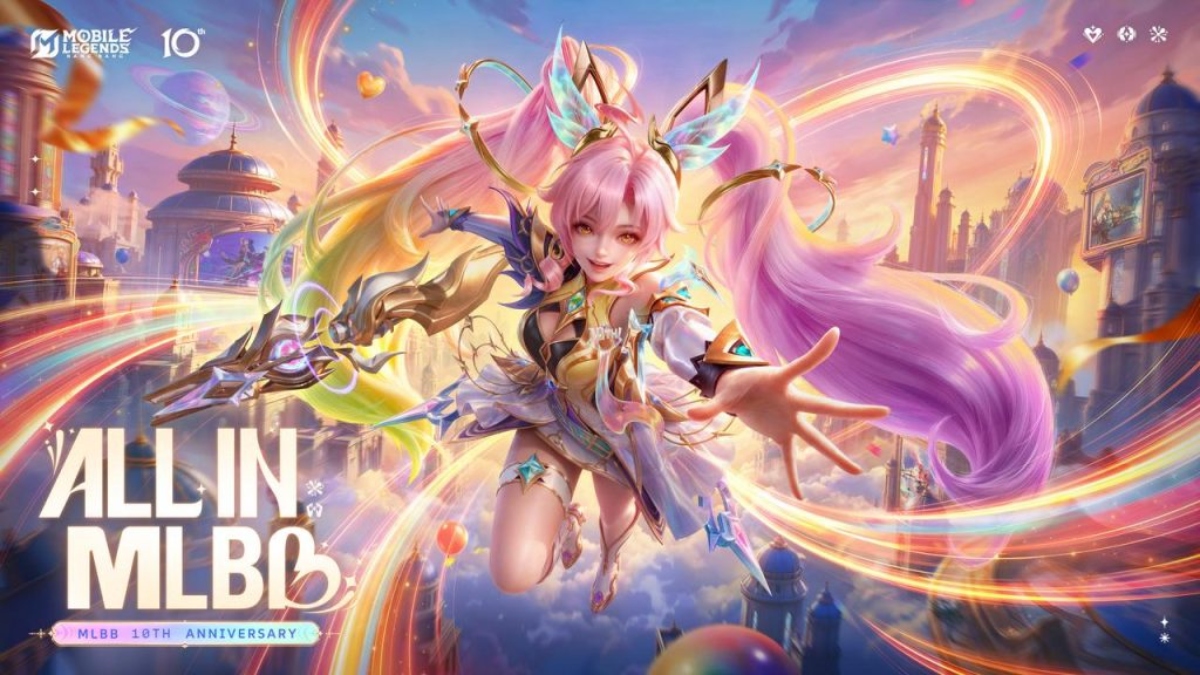
Mobile Legends: Bang Bang turns ten, and MOONTON is marking the milestone with a celebration it's calling the Gala Weekend. The headline reward is a Layla Prismatic Rhythm Skin, and there's a limited window to claim it alongside a batch of other anniversary freebies.
This guide walks you through the MLBB anniversary event step by step: what's on offer, how to claim the free skin, and how to avoid the mistakes that cost people rewards in events past. If you play Mobile Legends: Bang Bang casually, the steps below are the difference between leaving with a skin and leaving empty-handed.
Step 1: Update Mobile Legends: Bang Bang Before the Event Opens
The Gala Weekend kicks off October 9, and the first thing you need is a current client.
- Go to APKPure for Mobile Legends: Bang Bang latest version update.
- Install the latest build and let it patch fully before the event goes live.
- Launch the game and confirm you're running the newest version on the loading screen.
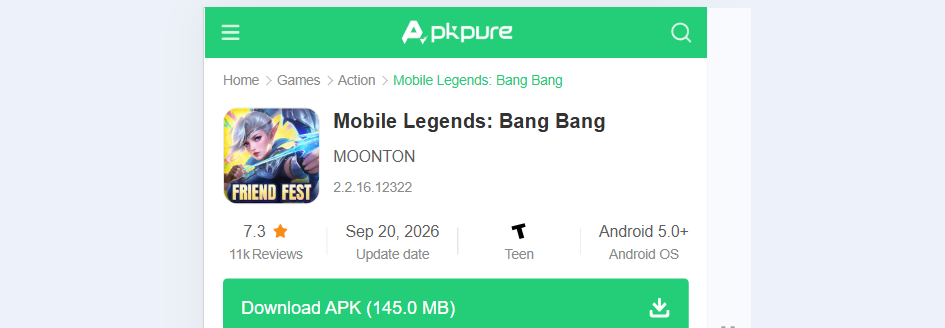
Why this matters: anniversary events often ship with client-side content. If your app is behind, event menus can fail to appear or rewards can glitch. Patching early avoids the launch-day rush, when servers get hammered and downloads crawl. It's also a security habit. Keeping the game current means you're running the version with the latest fixes, not an outdated build sitting on your phone for months.
Do this a day ahead if you can. Launch-hour patching is the most common reason players miss a first-day MLBB free skin.
Step 2: Log In Daily During the MLBB Anniversary Window
Most MLBB anniversary rewards are tied to daily logins during the event period, and the Layla Prismatic Rhythm Skin fits that pattern.
- Open the game every day the Gala Weekend runs.
- Check the Events tab for the anniversary login calendar.
- Tap each day's reward to claim it manually. Don't assume it auto-claims.
The trap here is the claim button. Players who assume rewards land automatically frequently lose a day's item. Tap through every entry, every day.
If you have a busy week ahead, set a phone reminder. Anniversary windows are short, and a missed login is gone. Do you really want to lose a ten-year celebration skin because you forgot to open an app for one evening? A thirty-second login is cheap insurance.
Step 3: Complete the Gala Weekend Missions
Beyond logins, the MLBB Gala Weekend typically layers in mission-based rewards, and the Layla skin often needs a few of them completed.
- Head to the Events tab and open the anniversary mission list.
- Read each task. They usually involve matches, wins, or playing specific roles.
- Clear the easiest ones first to bank progress quickly.
- Track your mission counter and claim rewards as each tier unlocks.
Playing several matches in a single session is the fastest route through these. Casual matches count for most objectives, so there's no need to risk ranked points if you'd rather not. If you're chasing the MLBB anniversary freebies, a quick string of Classic games clears the mission tiers without touching your rank.
Step 4: Claim and Equip the Layla Prismatic Rhythm Skin
Once you've logged in enough days and cleared the required missions, the skin becomes claimable.
- Return to the Events tab and open the anniversary reward page.
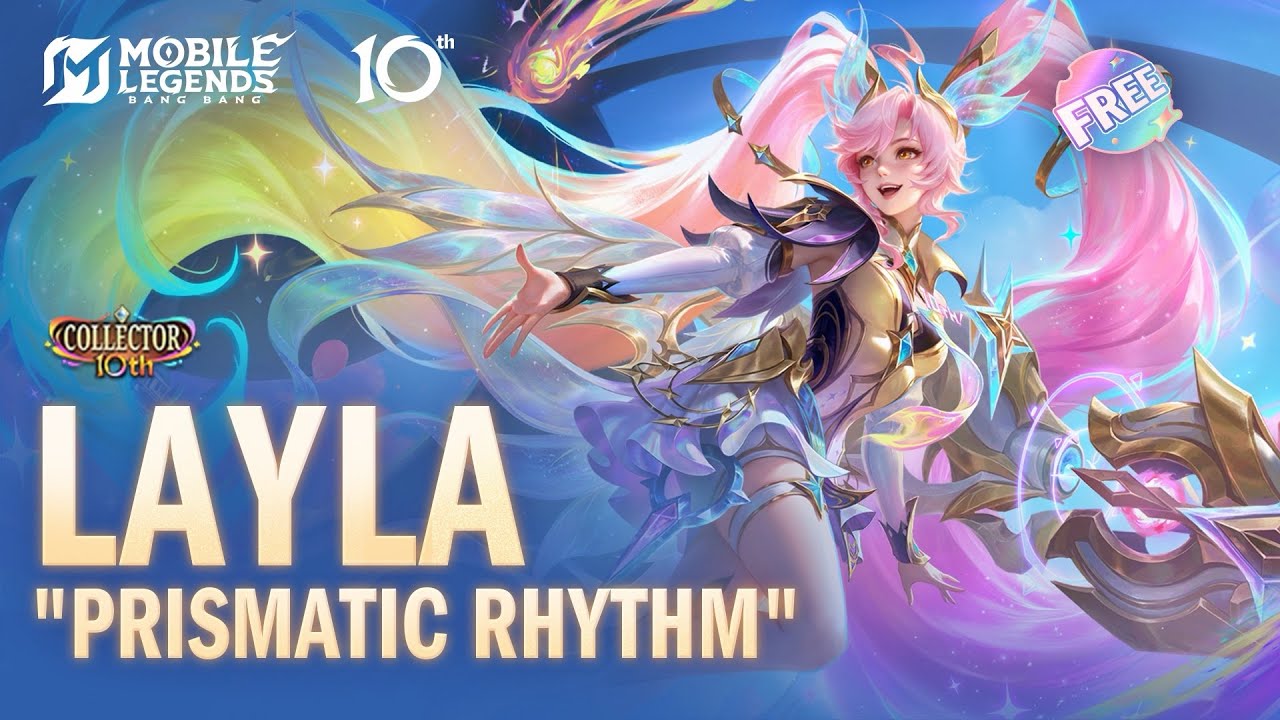
- Find the Layla Prismatic Rhythm Skin entry and tap Claim.
- Go to Heroes, select Layla, and open her Skins list.
- Equip Prismatic Rhythm so it's active in matches.
If the claim button is greyed out, you're short on a requirement. Check the mission list before assuming the event is broken. In nearly every case, a missing daily login is the culprit.
Tips and Tricks for the Mobile Legends: Bang Bang Anniversary
A few things separate players who clear anniversary events from those who don't.
Claim everything manually. Auto-claim is not how these events work, and missed taps are unrecoverable.
Play your missions in a group. Squadding up clears match objectives faster and cuts loss streaks.
Don't spend diamonds on a skin you can earn free. The Prismatic Rhythm skin is the reward, not a purchase.
Screenshot your progress. If a reward fails to grant, a screenshot makes any support ticket straightforward.
The Gala Weekend is worth a few evenings. The free skin is the headline, but the accumulated event currency and bonus items add up over a full celebration. Players who skip the missions usually regret it once they see what the currency buys.
Troubleshooting the MLBB Anniversary Event
Common problems and what actually fixes them:
- Event tab won't load. Restart the game, then check for a client update. Event UI often needs the latest patch.
- Claim button is greyed out. A daily login or mission is incomplete. Reread the requirements.
- Reward didn't arrive after claiming. Restart the client. If it's still missing after a few hours, contact support with your player ID and a screenshot.
- Missions won't progress. Make sure you're playing matches that count toward the objective. Some event tasks exclude specific modes.
- Skin claimed but not showing. Check that you equipped it on Layla specifically. Skins don't auto-equip.
Most anniversary issues trace back to a stale client or an unclaimed daily. Confirm both before you assume the event itself is broken.
One more thing that catches people out: scammers love limited-time events. If a third-party site or a random message offers you the Layla Prismatic Rhythm skin for free outside the game, it's a trap. Anniversary rewards are claimed only inside Mobile Legends: Bang Bang, through the Events tab. Anything asking you to log in somewhere else, hand over account details, or grant unusual permissions is trying to take your account, not give you a skin.
That rule covers most mobile game scams. Real rewards never arrive through a link in a chat. They show up in the app you already have installed.
Play Mobile Legends: Bang Bang and Join the 10th Anniversary
The 10th anniversary is a good moment to jump back in, whether you've played for years or you're returning after a break.

Mobile Legends: Bang Bang is a 5v5 MOBA game that lets two teams compete to destroy the opposing base.
- Mobile Legends: Bang Bang 9th to Meet You: Unity, Music & Free Skins
- Mobile Legends: Bang Bang x SpongeBob Collaboration Confirmed by Leaks
- Mobile Legends: Bang Bang ALLSTAR 2025 - Dinosaur Events & Monster Energy Collab
Update the client before October 9, log in every single day the Gala Weekend runs so the calendar never closes an entry on you, and clear the missions as they unlock rather than letting them pile up into a last-minute scramble. Do those three things and the Layla Prismatic Rhythm Skin is yours without spending a diamond.
What the MLBB Anniversary Means for Players
A decade is a long run for a mobile MOBA, and MOONTON is using the moment to reward the people who stuck around. The Gala Weekend is the centerpiece, and the free skin is a genuine gift rather than a token.
The advice from this guide boils down to timing. Update early, log in every day, and claim by hand. Follow the steps, keep an eye on the Events tab, and you'll walk away from the anniversary with the rewards you earned.
If this is your first big event in Mobile Legends: Bang Bang, the routine is worth learning once. The same login-and-mission structure shows up across the game's celebrations, so the habits you build here carry into every future event. A few minutes a day is all the anniversary really asks for. Miss a day, and the calendar closes that entry, so consistency beats intensity.
 NEWS
NEWS REVIEWS
 HOWTO
HOWTO