How to Download Dodo View - Movies Web Stories Latest Version

2026-10-09
Dodo View has no Android APK. This guide walks through the real download path for the iOS app, how to spot fake Dodo View APK files, and how to stay safe.
Dodo View - TV Movies Story is a creative writing and story-building tool, the kind of workspace screenwriters and world-builders use to sketch characters, settings, and plot. So before you chase a Dodo View APK, you need to know what you're actually downloading. If you're an iPhone or iPad user, this guide gets you the latest version in a few minutes.
What Dodo View - TV Movies Story Actually Is
The full app name is Dodo View - TV Movies Story, and that subtitle is the clue. It's not a streaming service or a video player. It's a Book Manager-style creation tool for people who write: novelists, screenwriters, and anyone building fictional universes inspired by movies and TV shows.
The feature set points in the same direction. You can create and manage writing projects with titles, descriptions, cover art, and tags. There's a character builder for names, birthdays, gender, avatars, and personality notes. A context manager lets you design locations, scenes, and atmospheres for your fictional worlds. If you came here expecting to stream films, you'll want a different app entirely. If you came here to organize a story you're writing, this is the tool.
Dodo View on Android
Dodo View isn't on Android at all, and there's no APK on APKPure or Google Play. It's an iOS app, and the only safe way to get it is the App Store.
Dodo View on iOS
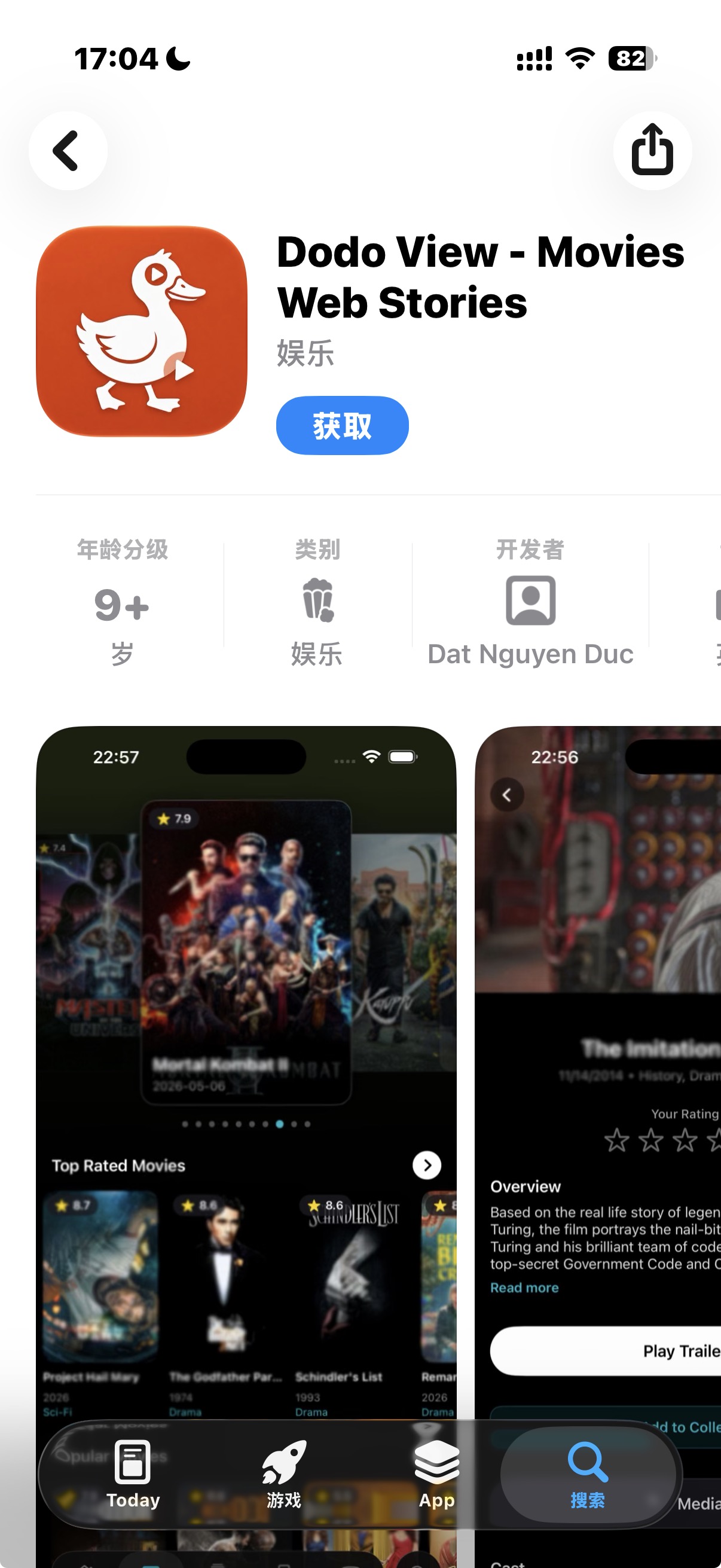
Download Dodo View on the App Store: https://apps.apple.com/app/dodo-view-movies-web-stories/id6776903808
Tips for Getting More Out of Dodo View
A few habits separate a tidy project from a messy one, and they don't take long to build.
- Name projects the way you'd name files, with the story's working title and a draft number, so the library list stays readable.
- Fill in character details as you invent them, not in one big session later. The builder is faster when you add people in the moment.
- Use context entries for mood as well as place. A rainy rooftop and a sunny rooftop read as different scenes, and the app keeps them apart.
- Keep cover art simple. A single image per project is easier to scan than a collage.
- Treat the finished and in-progress split as a real boundary. Moving a draft there when it's done makes the whole library calmer.
If you're writing across several stories at once, the tags and the search box do the heavy lifting. Lean on them instead of scrolling.
Troubleshooting Common Dodo View Problems
Most issues come down to a handful of causes, and none of them are serious.
- The app won't appear in search. Use the full name "Dodo View - TV Movies Story" rather than "Dodo View." The bare name pulls up unrelated apps first.
- You can't find an Android version. There isn't one. No Dodo View Android APK exists from the developer, so don't install one from a third-party page.
- The download stalls on the Get button. Check your Wi-Fi, then confirm your Apple ID payment method is valid in Settings > Apple ID, since a failed billing check blocks free downloads too.
- Your projects didn't carry over to a new device. Make sure you're signed into the same Apple ID and that iCloud sync is on for the app.
- The app closes on launch. Update to the latest version first, then restart the device if it keeps happening.
 NEWS
NEWS REVIEWS
 HOWTO
HOWTO