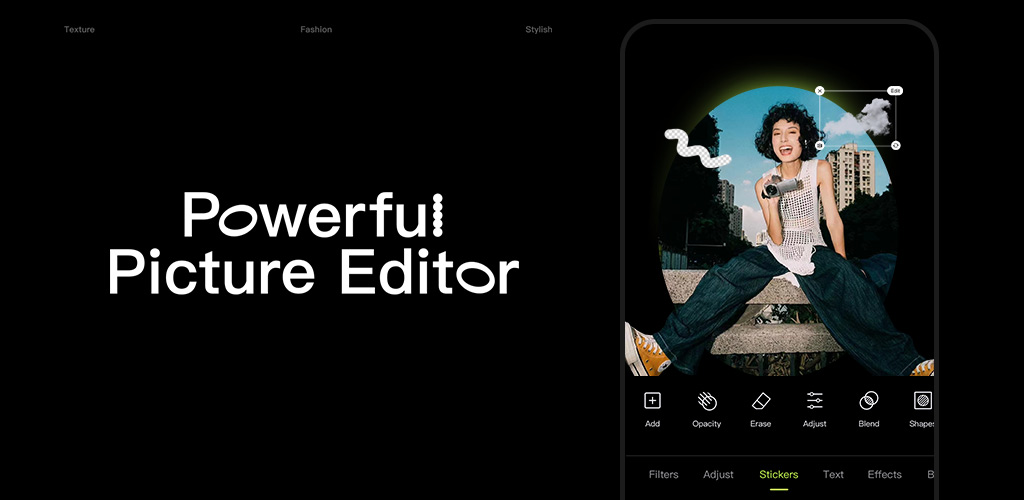
Hypic helps people who want to edit selfies, old photos, and social posts without learning complex editing steps. The app brings several editing tasks into one workspace, so you do not need to switch between separate tools for common photo changes. It is designed for beginners who want to adjust pictures for profiles, posts, collages, or covers. You can download Hypic when you need an editor for both quick fixes and styled image projects.
AI photo tools
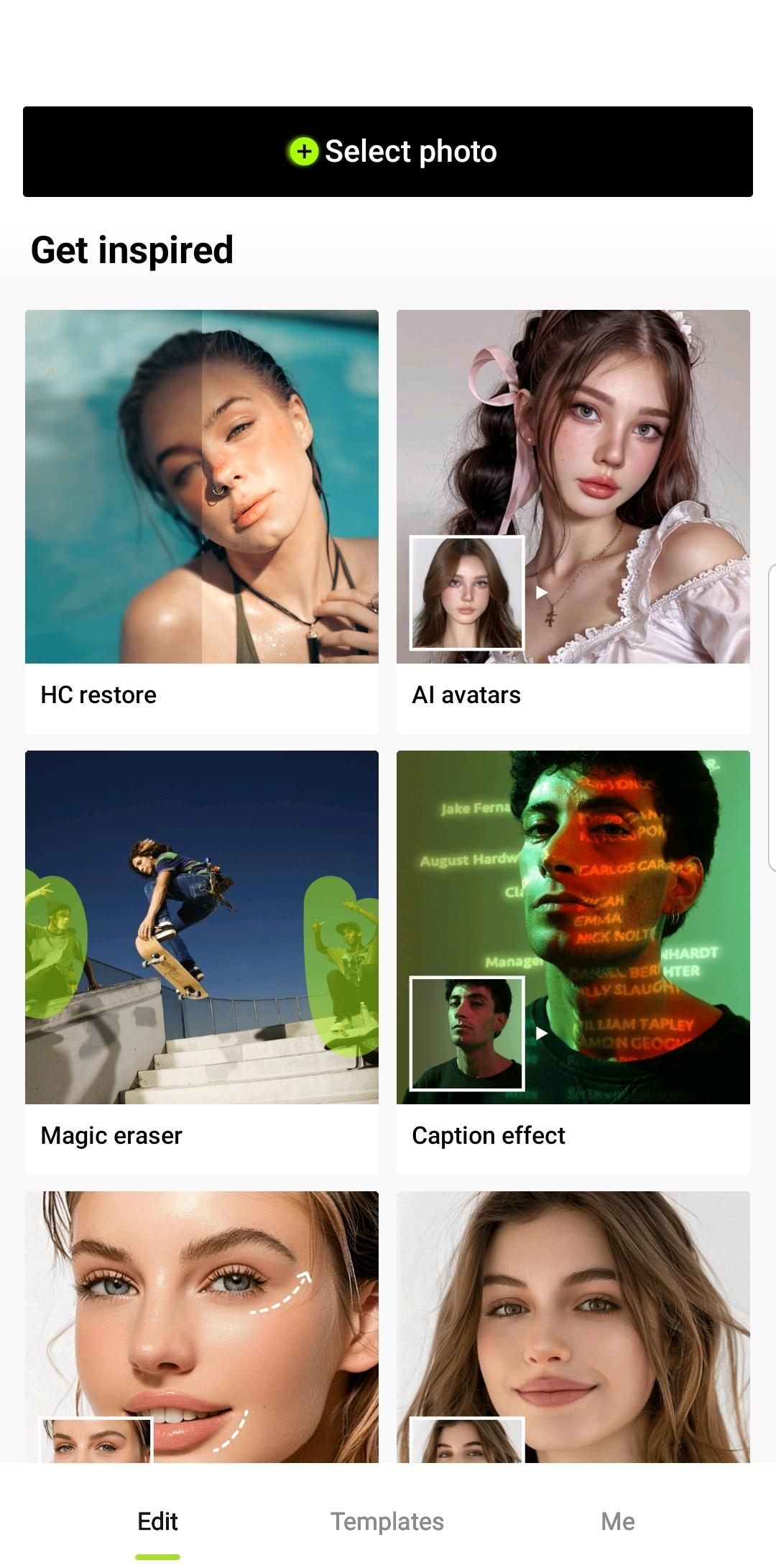
Hypic can remove a background or erase unwanted people and objects from a photo. You can also expand the edges of an image when the original frame feels too tight. For older or unclear pictures, the app includes options to sharpen blur and restore photo details.
Portrait adjustments with natural texture
You can use Hypic for photo retouching on selfies and portraits. The available controls can smooth blemishes while keeping visible skin texture, then adjust lighting, facial contours, makeup, or body proportions. These tools are intended for smaller changes rather than a heavily altered look.
Filters and visual effects
Hypic includes AI filters and one tap effects for changing the mood of an image. You can try retro film, CCD camera, lo fi, soft glow, or blue hour inspired looks. This can be useful when several photos need a similar color and style before posting.
Prompt based portrait styles
You can enter prompts to create different AI portrait styles from a photo. Hypic also offers avatar edits, cartoon inspired results, textured felt portraits, and face stickers. These options let you make a separate version of an existing portrait while keeping the original image available for comparison.
Layouts for posts and collections
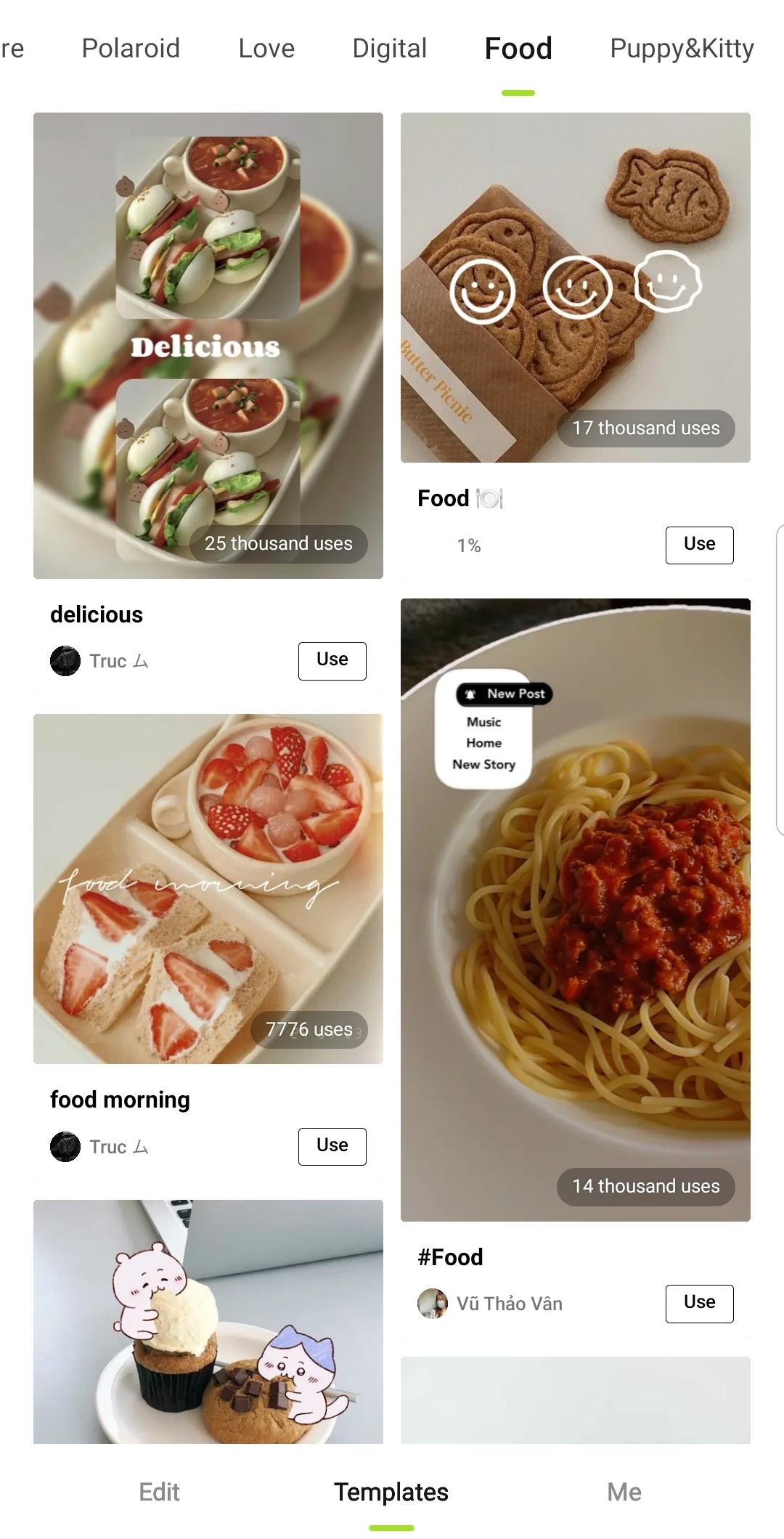
Hypic provides aesthetic templates for photo dumps, stories, vlogs, social covers, and multi photo collages. You can arrange several pictures in one layout instead of editing and exporting each image separately. In addition, batch editing and before and after comparison tools can help when preparing a group of related posts.
Hypic is free to use for many everyday editing tasks. However, some advanced tools, effects, and content may require an in app purchase or subscription. If you mainly need portrait changes, filters, collages, or an object remover for occasional edits, check which options are available in the version you install before starting a larger project.
Hypic uses a menu based workflow that starts with selecting an image from your Android phone. After you install the Hypic APK and open it, choose the type of edit that matches your photo, then review the result before saving. For a set of social images, begin with one picture to decide on a consistent style.
Open Hypic and select a photo from your device, then choose whether you want to make a portrait edit, remove an item, apply an effect, or create a layout.
For a selfie, adjust skin, lighting, makeup, facial contours, or body proportions gradually so you can compare each change with the original.
For background or object edits, select the unwanted area and review the result carefully before moving to the next adjustment.
Apply a filter or AI style if needed, then use the before and after view to check whether the image still matches your intended look.
Save the finished image, or add more photos to a collage or template when creating a cover, story, or photo collection.
Hypic combines portrait editing, image cleanup, visual effects, and layouts in one Android app. Check the Hypic latest version if you want to use its current editing tools for profile photos, themed posts, collages, and restored images.
Latest Version
9.6.0Uploaded by
Jammoua Najib
Requires Android
Android 6.0+
Category
Free Photography AppContent Rating
Everyone
Report
Flag as inappropriateLast updated on Sep 28, 2026
Bug fixes, experience optimization, and one-click updates.
We thank you for supporting Hypic and look forward to creating beautiful moments together.





APKPure - A multi-platform app store primarily focused on Android, providing extensive app-related content. Discover the app you want easier, faster, and safer, with quick and efficient downloads and installations.