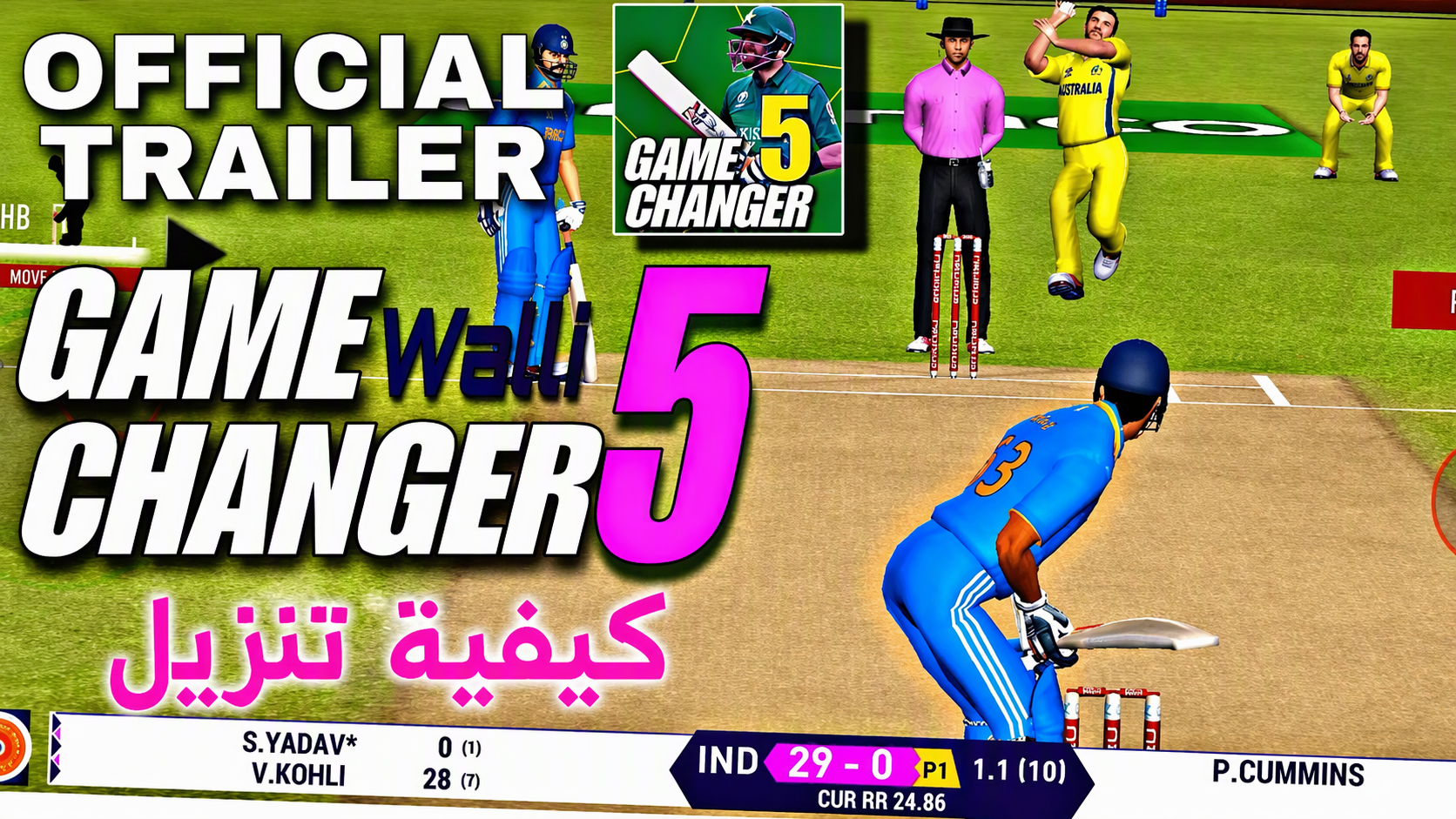

Game Changer 5 is aimed at cricket players who want to choose between short sessions and longer match formats on an Android phone. It covers different ways to play, from practicing alone to competing against other players. As a result, players can focus on a single match or spend more time setting up a squad for an ongoing competition. A Game Changer 5 Android download is suited to players looking for a cricket title rather than the separate GameChanger youth sports management service.
Choose a match format
You can play T20, ODI, and Test cricket, depending on how much time you want to spend in a match. Game Changer 5 also includes quick matches, tournaments, leagues, training, and head to head multiplayer. This gives players a choice between a short session and a longer cricket schedule.
Set up your playing XI
Game Changer 5 lets you select from licensed teams and available player rosters before a match. You can set the playing XI, assign player roles, rotate squad members, and arrange batting and bowling orders. These choices help shape how your team approaches each innings.
Bat and bowl with touch controls
You time batting shots and direct bowling deliveries through touch controls. Ball movement can change through swing, seam, spin, bounce, and pitch behavior, so the same delivery choice may not work in every situation. You need to watch the ball and adjust your shot or bowling plan during the match.
Respond to changing opposition tactics
Game Changer 5 uses opposing AI that can react when you repeat the same approach. You can change bowling lines, lengths, shots, and field placements when an opponent begins to anticipate your choices. This makes tactical decisions relevant across longer matches as well as shorter formats.
Watch the match from a broadcast view
You play in 3D stadiums with player animations, camera cuts, commentary, and crowd audio that responds to match events. Game Changer 5 also allows changes to kits, jerseys, player appearances, fields, and saved strategy presets. These options let you adjust the look of a team and prepare common match plans.
Game Changer 5 includes offline access for many single-player modes, which can be useful when a connection is unavailable. Online multiplayer is a separate option and needs an internet connection to play against others. Before choosing a mode, players can decide whether they want an individual match against AI or an online head-to-head game.
Squad choices matter more in tournaments, leagues, ODI matches, and Test matches because players can organize an XI around their preferred order and roles. You can also consider field presets, pitch behavior, and day and night conditions when setting a strategy. Training drills provide a place to work on batting and bowling before entering a match.
GC5 Squad Manager is an optional companion app associated with extended squad management, stadium downloads, and cricket series news. Its availability and exact functions can be checked on its own listing. Players who only want to play matches do not need to use it to access the main cricket game.
Game Changer 5 starts by letting you select the type of cricket session you want to play. The Game Changer 5 latest version can be used for offline eligible single-player modes or online multiplayer when connected to the internet. Start with a quick match or training session if you want to learn the controls before managing a full squad.
Open the game and choose quick match, tournament, league, training, or multiplayer based on the session you want.
Select T20, ODI, or Test cricket, then choose the teams and available players for the match.
Set your playing XI, arrange the batting and bowling order, and assign roles before continuing.
Choose field and strategy settings, taking pitch conditions and the match situation into account.
During play, use touch controls to time shots or place deliveries, then vary your tactics when the opposition adapts.
The game is a cricket game for players who want match formats, squad selection, touch-based batting and bowling, and tactical choices. Download Game Changer 5 to play offline eligible single-player modes or join online multiplayer matches with an internet connection. The Game Changer 5 APK listing provides the game for Android users.
Latest Version
1.0Uploaded by
Ted Sullivan
Requires Android
Android 4.1+
Available on
Game Changer 5
Category
Free Sports AppReport
Flag as inappropriateLast updated on Nov 19, 2024
This release includes minor bug fixes and general improvements. Update to the latest version for the best experience.



APKPure - A multi-platform app store primarily focused on Android, providing extensive app-related content. Discover the app you want easier, faster, and safer, with quick and efficient downloads and installations.