Package Name:com.proxima.dfm
SHA-256:6fa839a0c619ebe8aa6bbc967145cff5bdd945a53cf07a1b69e787e3e2ed044f
Show More

Delta Force suits players who want to choose between careful loot runs and larger matches focused on team objectives. It is free to play and places you in the G.T.I., where Operators bring different tools to each match. You can prepare equipment, coordinate with a squad, and decide how much risk to take during a session. Before installing the Delta Force APK, it helps to understand how Operations and Warfare use different goals and rewards.
Choose Operators and work with a squad
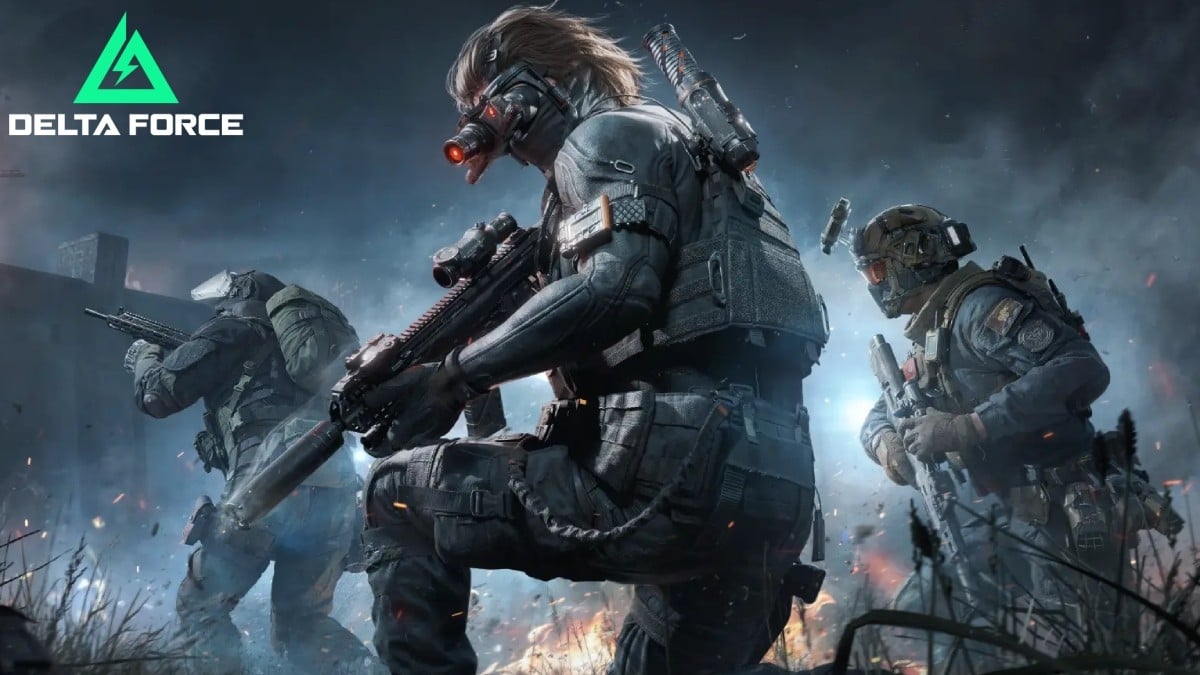
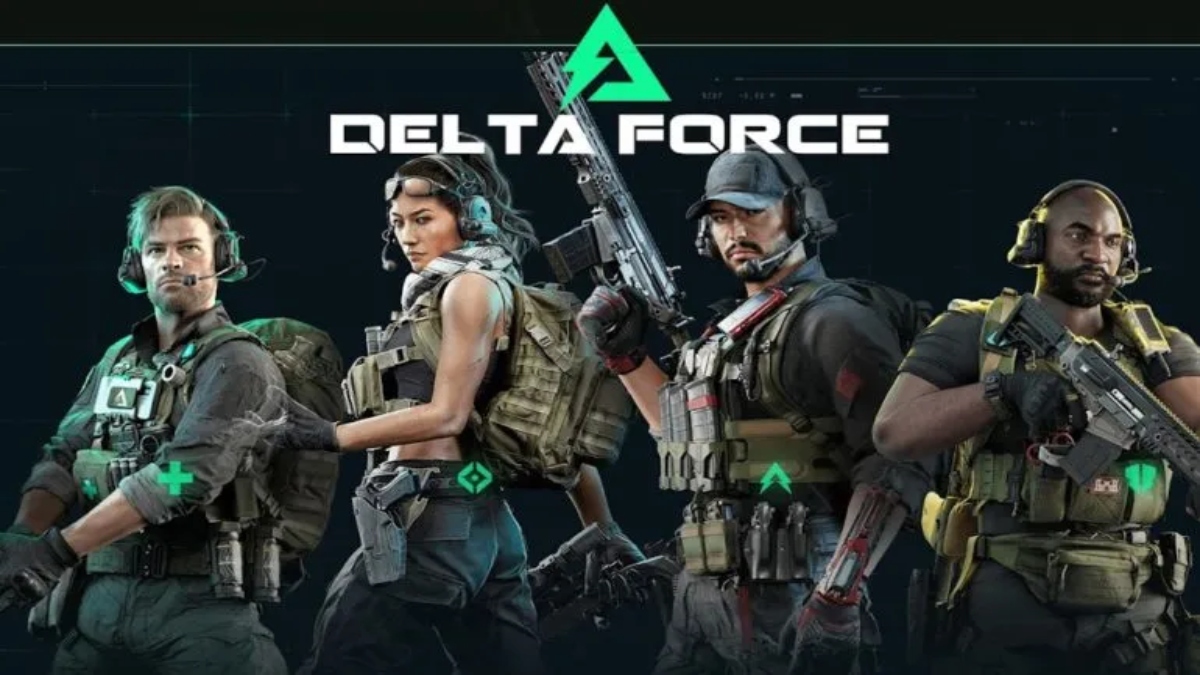
Delta Force lets you select G.T.I. Operators with their own traits and tactical gadgets. Available tools include Detection Arrows, Magnetic Bombs, and Motorized Exoskeletons. You can combine these abilities with teammates, so squad members can take different roles during fights and when approaching objectives.
Enter Operations for loot and extraction
In Operations, you form a squad of up to three players and enter maps containing supplies, AI mercenaries, bosses, and other squads. The goal is to find valuable items and leave the area safely. Items that are not extracted can be lost, so players need to decide when to continue searching and when to leave.
Plan more than one escape route
Operations does not limit every squad to one exit route. You may use Rocket Extractions, wingsuit base jumps, or sewer routes when they are available. Because routes can change how exposed your team is, communication helps players choose an exit that fits the current situation.
Play 24v24 Warfare matches
Warfare moves the focus from extraction loot to team objectives. Delta Force places 24 players on each side across urban, mountain, and island locations, where teams capture or defend points. These matches support a different pace from Operations because the team works toward the match objective rather than carrying extracted supplies out.
Use vehicles and build your equipment
You can command tanks, helicopters, and other land, sea, or air vehicles in Warfare battles. Outside matches, Delta Force allows players to modify vehicles, build and share weapon loadouts, unlock gear, and manage stored items. The Auction House also lets players trade items as part of their Operations economy.
Operations is the mode for players who want PvPvE raids with loot at risk. Successful extraction gives you supplies that can support later raids, while an unsuccessful exit can mean losing items carried during that run. Warfare is better suited to players looking for large team battles, objective control, and vehicle combat without the same extraction focus.
Resources from successful Operations runs can be used with the Operations Center. This progression system can improve attributes, increase stash capacity, and open more equipment options for future raids. Players looking for the Delta Force latest version can also expect access to in-game reporting options and the dedicated G.T.I. Anti-Cheat initiative, which supports fair play efforts.
Delta Force begins by asking you to choose an Operator and prepare for the type of match you want to play. After you download Delta Force, take time to check your loadout and decide whether you want a loot-focused raid or a large team objective match.
Open the game, join the G.T.I., and select an Operator whose gadgets fit the role you want to play with your squad.
Choose Operations when you want to collect loot and extract, or select Warfare for a 24v24 match built around capturing or defending objectives.
Before entering Operations, prepare your weapons and equipment, then stay close to squadmates while searching the map for supplies.
When carrying valuable items, discuss an exit route with your team and use a Rocket Extraction, wingsuit jump, or sewer route if available.
After a successful raid, manage the supplies in your stash and use resources through the Operations Center before preparing for another match.
Delta Force offers two distinct ways to play: extraction raids where carried loot matters, and large-scale Warfare battles built around team objectives. Players can download Delta Force to choose an Operator, prepare equipment, and join matches that fit their preferred style of shooter play.
For account, data, settings, and gameplay support, use the official Delta Force resources below.
Official website: https://www.playdeltaforce.com/
Support email: service@playdeltaforce.com
Latest Version
1.202.37101.3002Uploaded by
Level Infinite
Requires Android
Android 6.0+
Category
Free Action GameContent Rating
Teen · Violence, Blood
Security Report
Check Now
Report
Flag as inappropriateLast updated on Aug 29, 2026
This release includes minor bug fixes and general improvements. Update to the latest version for the best experience.



APKPure - A multi-platform app store primarily focused on Android, providing extensive app-related content. Discover the app you want easier, faster, and safer, with quick and efficient downloads and installations.